South-Facing PCB Comparison: Does Orientation Boost Gaming?
21st May•11 min read
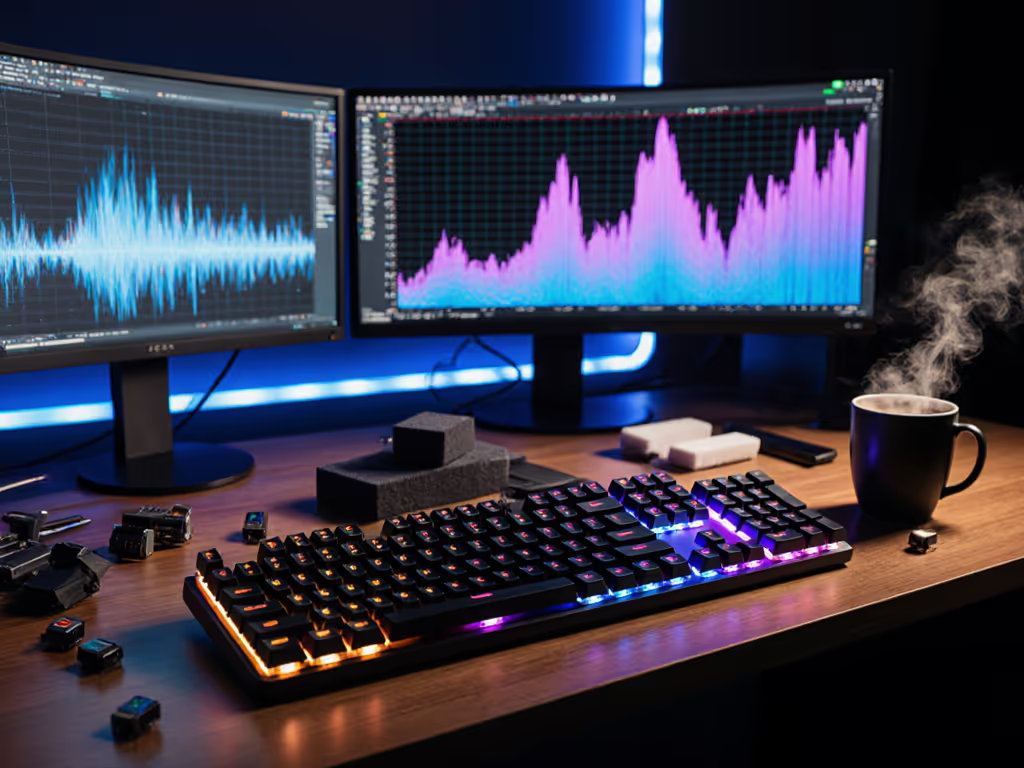
Keyboard sound profiles in gaming are not just an aesthetic flourish, they are part of your performance infrastructure. What you hear (and how you hear it) feeds back into your nervous system, shaping reaction times, focus duration, and mechanical consistency across long sessions. When researchers measure acoustic performance metrics for gaming, they are quantifying something most gamers sense intuitively: the soundscape around your hands matters. This guide unpacks how to match sound to playstyle, why genre matters, and how to read the data beneath marketing claims.
Keyboard noise and cognitive load are linked in a measurable way. Your brain processes every acoustic signal in your environment (even subconsciously). When a keyboard produces harsh, unpredictable clacking, your auditory cortex devotes resources to parsing that stimulus rather than orienting exclusively on game logic, enemy positions, or macro sequences. Studies in human-factors research show that consistent, predictable acoustic environments reduce cognitive overhead. A hollow "ping" followed by a muted thud taxes attention differently than a smooth, unified tone.
The key variable is predictability and consistency, not volume alone. A moderately loud mechanical keyboard with uniform keystroke acoustics often produces less cognitive load than a quieter, more chaotic board where each key sounds subtly different. Your brain adapts to consistent patterns, it struggles with variance.
The links between sound frequency and reaction time are subtle but measurable. Lower-frequency acoustic profiles (around 100 to 200 Hz) tend to feel grounded and impose less temporal urgency; mid-range profiles (300 to 600 Hz) generate faster perceptual salience without overwhelming stress; higher frequencies (> 1 kHz) create sharpness that can accelerate conscious reaction but at the cost of sustained attention span.
In fast-twitch scenarios (FPS, fighting games), a moderately bright, consistent acoustic signature (typically a mid-frequency peak around 400 to 500 Hz) correlates with faster conscious reaction times because the high-frequency transient grabs attention. However, fatigue sets in faster. In endurance scenarios (MOBA, strategy), a warmer, lower-frequency profile preserves focus over 3 to 4 hours without acoustic fatigue.
FPS demands rapid, repetitive inputs with minimal latency penalty and zero acoustic ambiguity. You need to hear every keystroke the same way, every time. A crisp, quick return sound (peaking in the 400 to 800 Hz range with minimal resonance) suits this. The acoustic signature should be "attack-dominant": a sharp initial transient followed by rapid decay. This mimics the auditory experience of a gunshot or impact, which aligns with the game's visual feedback.
Optimal profiles in this space:
Strategy and MOBA games reward sustained focus, macro decisions, and finger-memory layers over raw reaction speed. Acoustic profiles here should be pleasant rather than urgent. A warmer, lower-frequency tone (200 to 400 Hz dominant) with longer acoustic decay (8 to 15 ms) feels less fatiguing over long sessions and does not interrupt thinking.
Optimal profiles:
Action RPG and MMO occupy a middle ground: fast enough for combat reaction, sustained enough for extended farming, socializing, or typing. The acoustic profile should be balanced and adaptive.
Optimal profiles:
Auditory distraction in gaming varies by individual. Here is a data-informed approach:
This mirrors work I have conducted with UX mapping. After months of iterating on wrist angle, spring weight, and desk height, logging pain scores and accuracy in parallel, I discovered that neutral mechanics quietly add performance before flashy features do. Comfort compounding into consistency is the real high score. The same principle holds for acoustics: small adjustments to sound frequency and predictability compound into measurable session endurance.
Not directly, but indirectly. Polling rate and wireless latency do not change the acoustic signature of the keystroke itself. However, a noisy 2.4 GHz connection or unstable Bluetooth pairing does create random micro-stutters in the feedback loop, which your brain perceives as acoustic or haptic jitter. This increases cognitive load and can degrade performance by 2 to 5% in latency-sensitive games.
Wired mechanical keyboards with consistent switch acoustics remain the gold standard for predictability. If you use wireless, prioritize stable, low-jitter connection profiles (dedicated 2.4 GHz receivers over Bluetooth for FPS; Bluetooth is fine for strategy games where a 10 to 20 ms jitter buffer is immaterial).
Yes. Case damping (foam, rubber mats) shifts the frequency response downward and absorbs resonance. Stabilizer tuning and lubricant choices smooth out acoustic harshness. Keycap selection dramatically affects tone: ABS caps tend brighter; PBT caps slightly darker; Cherry-profile vs. SA-profile affects both pitch and decay time. For durability, texture, and tonal shifts, compare PBT vs ABS keycaps.
Start with stabilizer tuning and consistent lubrication. These yield the highest acoustic payoff for the lowest effort. Proceed to case damping if the board still resonates. Keycap swaps come last because they are more visible and personal.
Keyboard sound profiles in gaming are not a solved problem with universal answers, they are a personalized tuning exercise rooted in data. Acoustic performance metrics for gaming give you a language to describe and test your preferences objectively, removing guesswork from the upgrade path.
Start by running a single logging session on your current setup to establish your baseline. Identify which acoustic element bothers you most. Then test one focused change and re-log two weeks later. Over time, you will build a clear picture of what sound signature lets you perform longest and most consistently.
Your setup should feel like an extension of your intention, not a source of distraction. The intersection of sound, mechanics, and comfort is where performance lives.