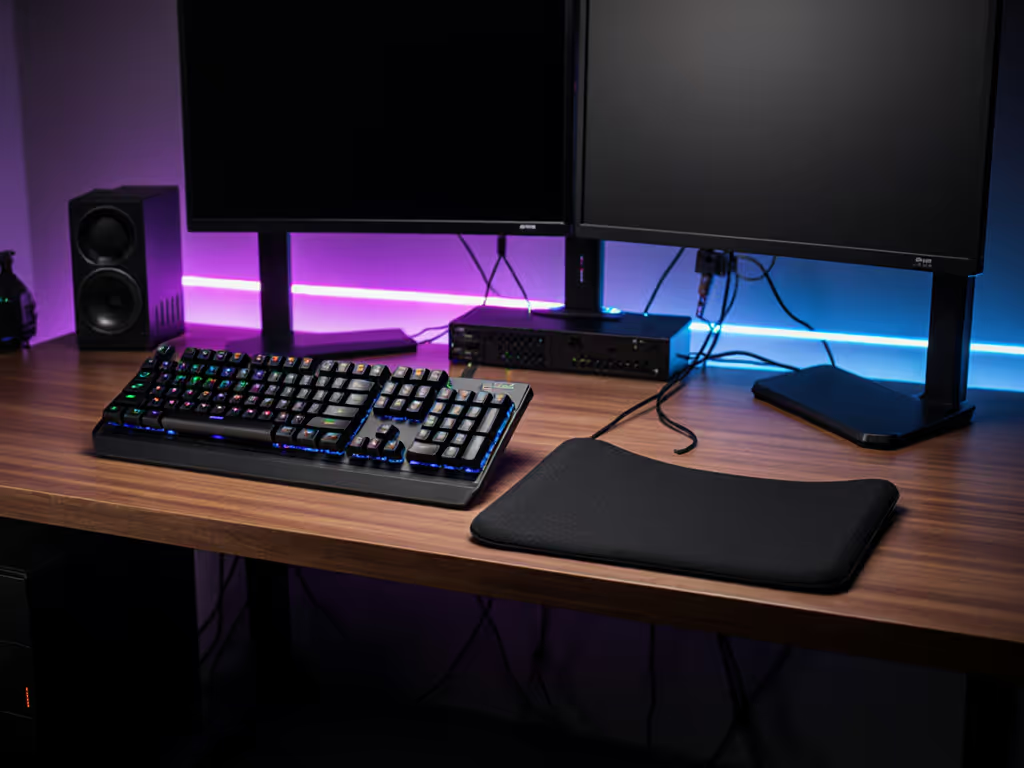
Ergonomic Keyboard Wrist Rests: Built-In vs. Separate
6th May•9 min read
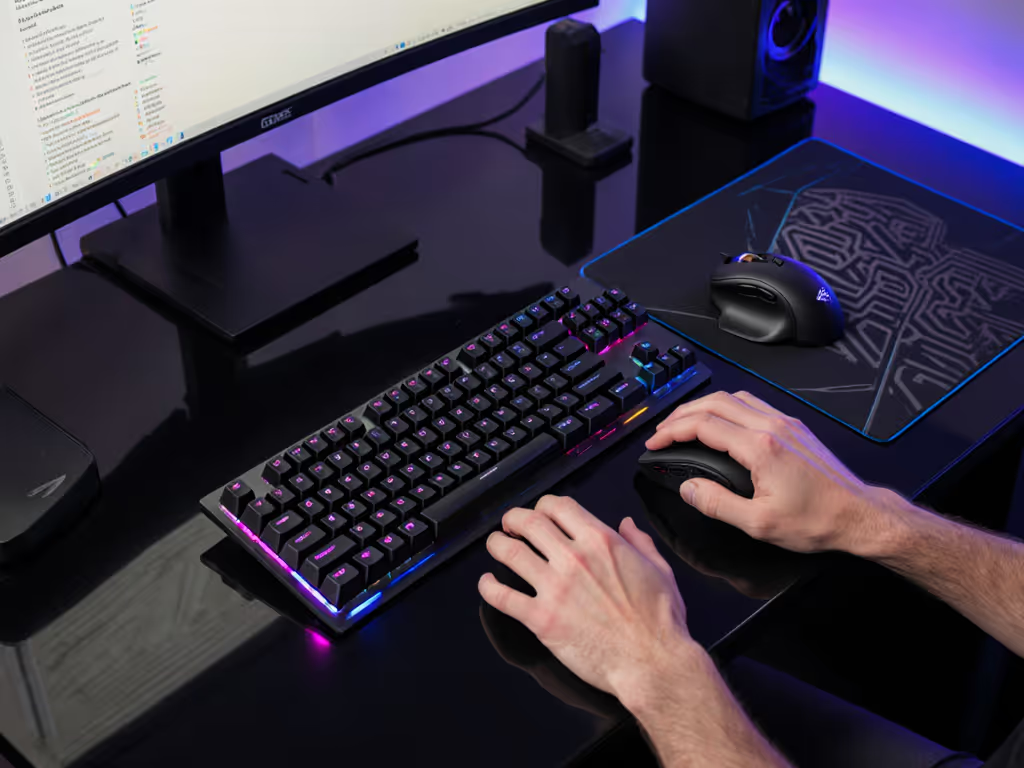
If you're serious about gaming performance and long sessions without fatigue, gaming keyboard angle 2025 isn't just a trend, it's foundational to your setup. The optimal keyboard tilt for gaming goes beyond comfort; it directly affects wrist stability, reaction time, and whether your hands can sustain peak performance over hours. Most players overlook this detail, defaulting to a flat board on their desk. Yet a single adjustment to your keyboard's angle can shift the biomechanics that determine if you finish a ranked session pain-free or nursing wrist heat.
The angle at which your keyboard sits influences everything from tendon strain to finger speed. When your wrists sit in a neutral, aligned position, your fingers can move more freely and quickly, giving you both comfort and a genuine edge in fast-paced games. For a deeper dive into posture basics and injury prevention, see our ergonomic wrist strain relief guide. This guide walks you through the evidence and the practical tuning process to find your optimal angle, because sustainable performance starts with neutral mechanics.
Keyboard angle refers to the tilt or inclination of your keyboard relative to a flat surface. It's measured in degrees. The standard typing angle typically falls between 0 to 6 degrees, which mimics the natural alignment of the wrists and hands[2]. However, gaming ergonomics often requires a more personalized approach, as different hand sizes, postures, and playstyles demand different angles.
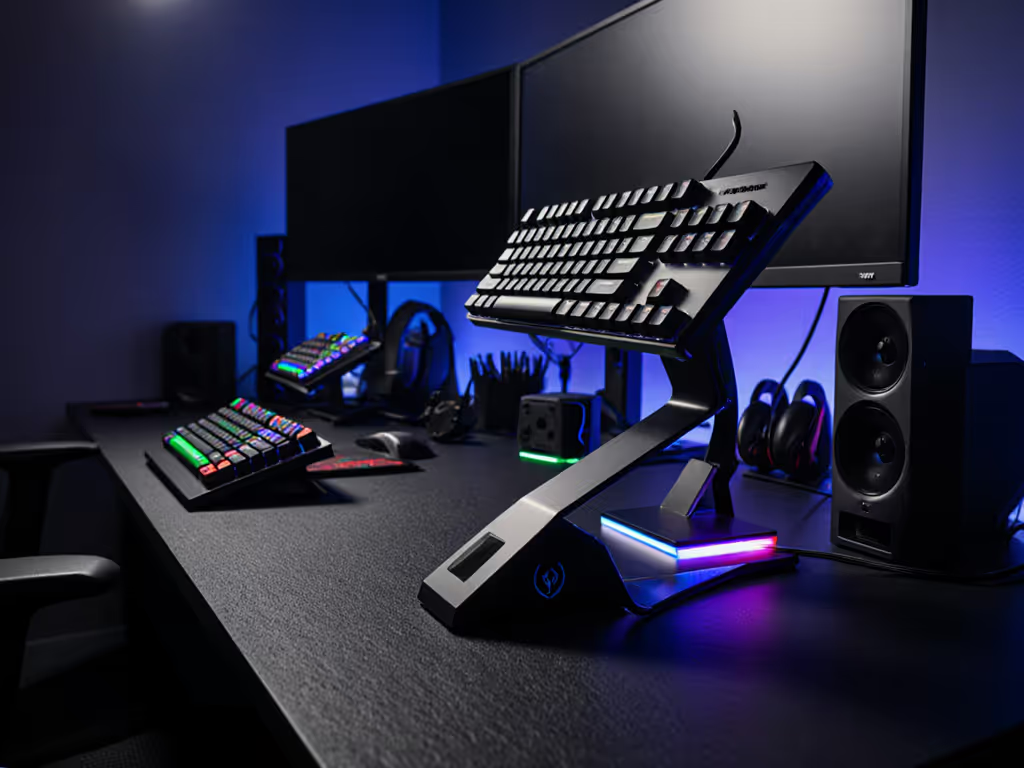
When your keyboard has a negative tilt configuration, the back is lower than the front, sloping downward. A positive tilt raises the back, creating an upward slope. A flat (zero-degree) setup is the baseline. The choice between these isn't arbitrary, it changes how your forearms, wrists, and fingers interact with the board, directly affecting fatigue and consistency over long sessions.
Positive tilt (back elevated) is the traditional typing setup and works well for many typists. However, for gaming and long-session comfort, research suggests a negative tilt keyboard or zero-degree slope often performs better[5]. Here's why:
The key is that a negative tilt keyboard or flat setup reduces strain by keeping your wrist in a straighter line with your forearm, rather than forcing an upward bend.
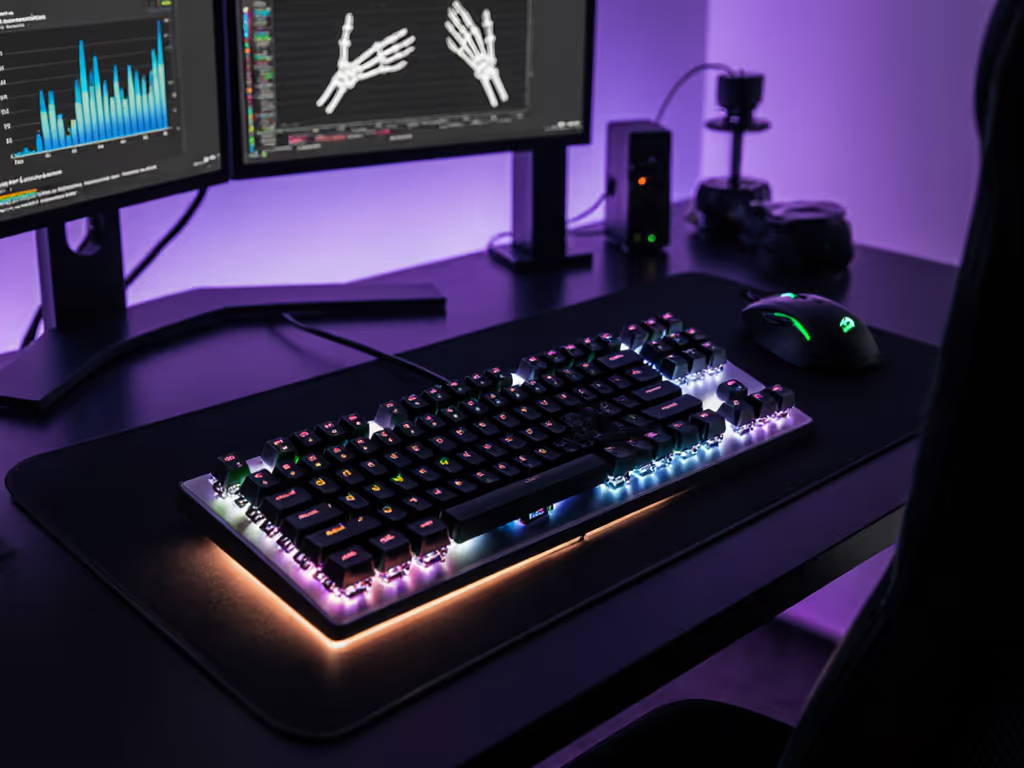
Your wrist is a complex joint with multiple small bones, tendons, and ligaments. When your wrist bends too far in any direction (up, down, or side to side) it compresses these structures and reduces your ability to move quickly without fatigue[6]. A slight inclination of 4 to 8 degrees helps align the wrists with the forearms, reducing unnecessary strain on tendons and ligaments[2].
For gaming specifically, this neutral alignment matters because:
Comfort compounding into consistency is the real high score.
When your body isn't fighting the board's angle, your focus shifts entirely to the game, not to managing discomfort.
There is no single "correct" angle for all gamers[3]. Instead, the optimal angle depends on your hand size, typing style, desk height, and existing posture habits. The process is experimental, not prescriptive.
Start here:
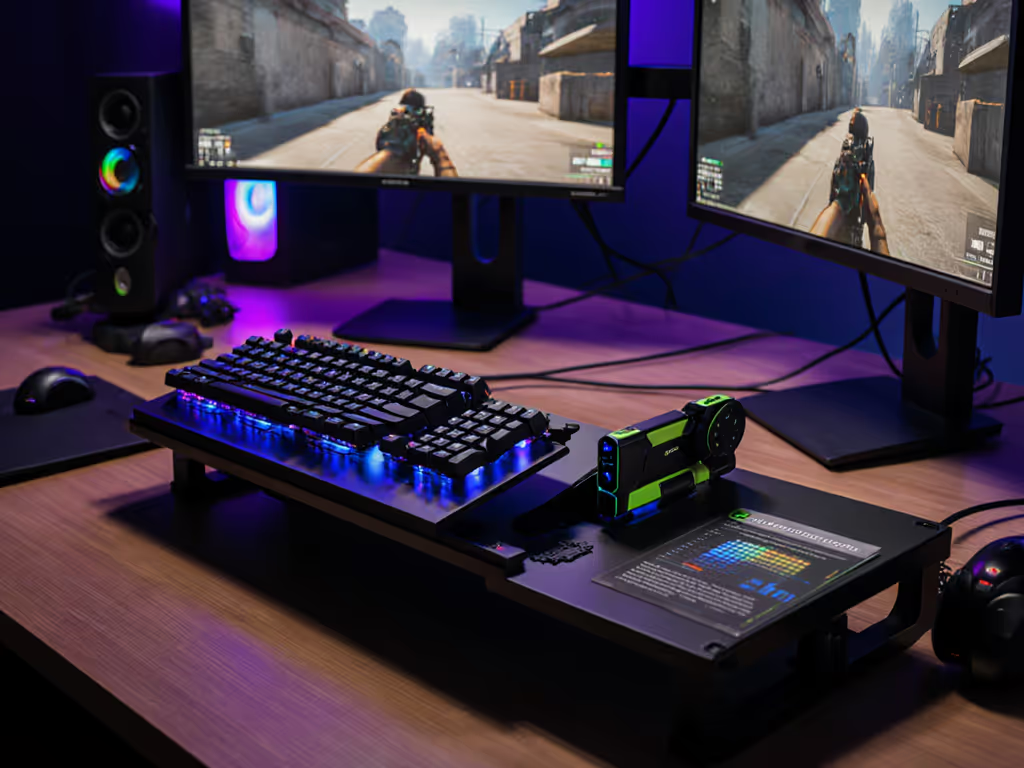
This evidence-based iteration mirrors how I tuned my own setup (swapping to lighter springs and tenting the board just a few degrees, then tracking wrist comfort and accuracy over two weeks). My aim stayed steady, fatigue dropped fast, and the change felt less like a flashy feature upgrade and more like removing a friction point I hadn't consciously noticed before.
Keyboard height adjustment works hand-in-hand with angle. Even a perfectly angled board won't feel ergonomic if your desk is too high or too low. Ideally:
If your desk is too high, even a negative tilt board will cause your wrists to bend upward, defeating the purpose. If your desk is too low, you'll hunch your shoulders. Most ergonomic guidance emphasizes that keyboard height adjustment is often more impactful than angle alone. Pair a neutral angle with desk height that supports your arm geometry, and you've built the foundation for long-session comfort.
For gamers dealing with persistent wrist strain or those playing titles that demand intense use of specific keys, split or tented keyboards offer additional control. These allow you to:
Split boards aren't necessary for every gamer, but they're worth exploring if you've optimized angle and height and still experience strain. If you're considering this route, our best split mechanical keyboards for gaming round-up highlights models that balance ergonomics with competitive performance. Your hands are part of the build, treating them as a design priority, not an afterthought, opens up more possibilities.
No. Angle is one variable in a larger ergonomic picture. Factors like switch weight, wrist rest quality, break frequency, and your overall posture all matter. Additionally, if you're already experiencing wrist pain or suspect an injury, consult a clinician or occupational therapist rather than relying on equipment changes alone. Angle optimization supports healthy mechanics but is not a treatment[2].
That said, many players report noticeable reductions in fatigue once they've dialed in an angle that keeps their wrists neutral throughout a session, especially when combined with a stable desk height and a quality wrist rest.
Angle and wrist posture gaming benefits apply across genres, but the intensity and style of hand use vary:
In all cases, the principle is the same: an angle that keeps your wrist straight, not bent, supports longer sessions and faster recovery.
Most mechanical keyboards feature adjustable feet or stands at the bottom[2]. These are typically extendable or retractable pegs:
Some boards also offer additional customization, such as tenting kits or detachable modules, giving you even finer control over your setup.
Optimal keyboard angle is a data-driven, personal experiment. Start with your current setup, identify the single biggest ergonomic friction point (desk height, angle, or wrist support), and adjust one variable at a time. Track how your wrists feel over a week. Let the evidence guide you, not marketing claims or what works for someone else's hands.
As you refine your angle and height, also consider the role of switch weight, wrist rests, and break frequency. Our competitive accessories guide covers wrist rests, mats, and cable management that meaningfully improve comfort and consistency. Gaming ergonomics is a system, not a single fix. But when all the pieces align (your keyboard angled correctly, your desk at the right height, and your wrists in a neutral line) you'll notice the difference: steadier aim, fewer breaks, and the quiet confidence that comes from a setup that disappears because it fits you, not because it's trendy.