Keyboard Sound Profiles for Gaming Performance: Genre Guide
2nd May•7 min read
If you've been shopping boards and keep seeing south-facing and north-facing thrown around, you're probably wondering whether PCB orientation actually touches what you care about: flick speed, consistency, and comfort in long sessions. This south-facing PCB comparison is going to stay locked on that question: does PCB orientation affect gaming performance, or is it mostly about keycaps and RGB? That's the core of pcb orientation gaming performance.
Numbers first, then feel - because milliseconds decide your fights.
In mechanical keyboard terms:
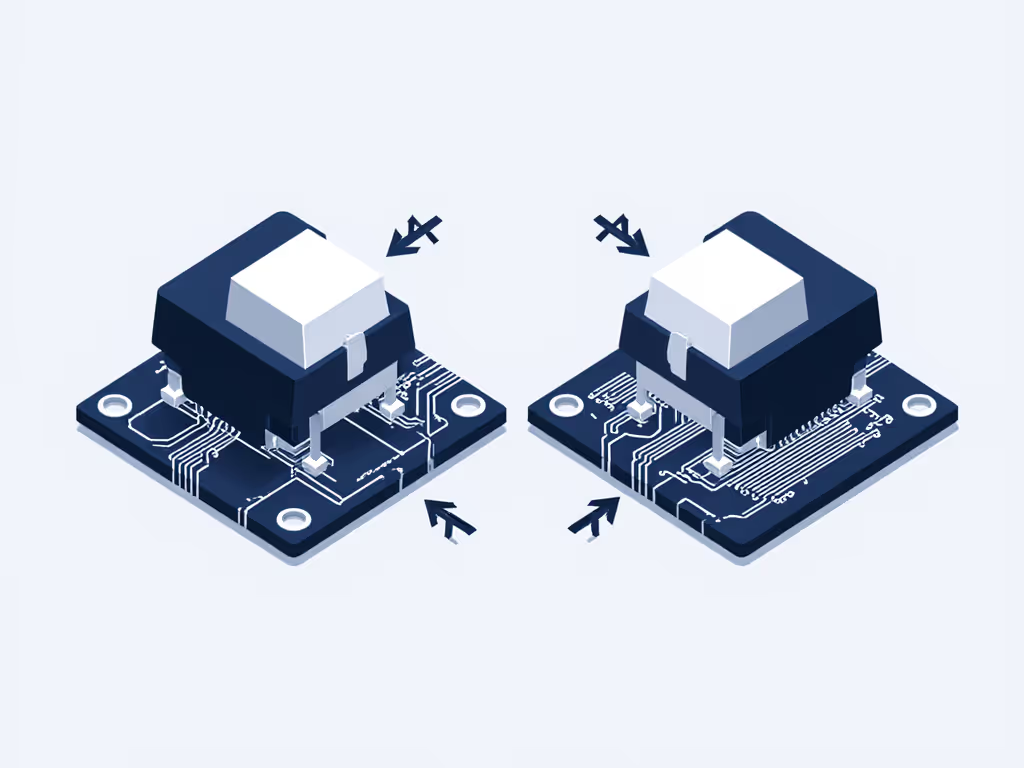
This orientation is fixed by how the PCB is drilled and printed. You can't just rotate the switch 180° on a north-facing board to "make it south-facing" (the pins and LED holes won't line up).
LED direction changes where the light hits the keycap and where the switch housing sits relative to the sculpt of the keycap. Electrically, the matrix is the same: same rows, columns, diodes. The controller still scans the board at the same rate.
Orientation changes optics and mechanics around the cap, not the speed of the signal getting to your PC.
Short answer: no, not directly.
To see why, break down input latency into pieces:
PCB orientation touches exactly none of these electronically:
In controlled community tests where the only change was PCB orientation, end-to-end keypress-to-USB-event latency sat within normal run-to-run variance (fractions of a millisecond). In other words, no reliable, repeatable latency delta from orientation alone.
Here's the delta that matters: if you're chasing measurable responsiveness, you'll get magnitudes more improvement by: For the technical levers behind debounce, scan rate, and polling, see our gaming keyboard firmware latency guide.
That's where you see multi-millisecond shifts - big enough to change how snaps and counter-strafes register. PCB orientation doesn't move a meaningful needle there.
Because mechanical interference and comfort can still affect consistency, even when electrical performance is identical.
The big one is Cherry-profile keycap interference:
Some players never notice it; others feel it immediately on WASD. The key is that interference is mechanical, not electrical - but it can subtly change when and how your finger commits to a press.
On south-facing PCBs, the switch housing sits on the opposite side of the stem relative to your Cherry-profile home-row caps, so that collision mostly disappears. That's why custom builders and many enthusiasts push south-facing layouts when they plan to run Cherry-profile PBT.
So while PCB orientation doesn't change the signal path, it can change:
Those are indirect, but they matter over hundreds of keypresses per match.
Let's keep this grounded. When people talk about south-facing PCB gaming advantages, they're really talking about indirect benefits that can support performance and comfort:
Keycap compatibility by PCB orientation is the most concrete win for south-facing: For a deeper primer on orientation and why it affects keycap fit and lighting, read our South-facing PCB explained.
For a gaming setup, this means you can:
If your best hand position is on Cherry-profile caps, south-facing is the safer bet.
South-facing orientation reduces the risk of:
That consistency matters if you're sensitive to:
In my own testing, the biggest competitive gains rarely come from flashy hardware. A well-tuned, unassuming board with consistent travel and low, stable latency has beaten expensive customs in practical aim drills. Orientation didn't change latency, but consistency did change outcomes.
A lot of players underestimate acoustics.
You're not winning games because your board sounds thocky. But if noise is harsh or uneven, your brain will notice it, especially in long sessions. Cleaner, more uniform sound supports less distraction and less fatigue.
Here's the delta that matters: orientation can make it easier to build a board that feels and sounds uniform, which supports consistent mechanics. That's not a raw FPS boost - it's an enablement layer.
This is where south-facing usually loses compared to north-facing.
rgb lighting impact south-facing vs north-facing:
North-facing boards place the LED closer to the top legends of shine-through keycaps.
Result: brighter, more legible legends, especially on translucent ABS gamer sets.
Better for maximum "gamer RGB" effect.
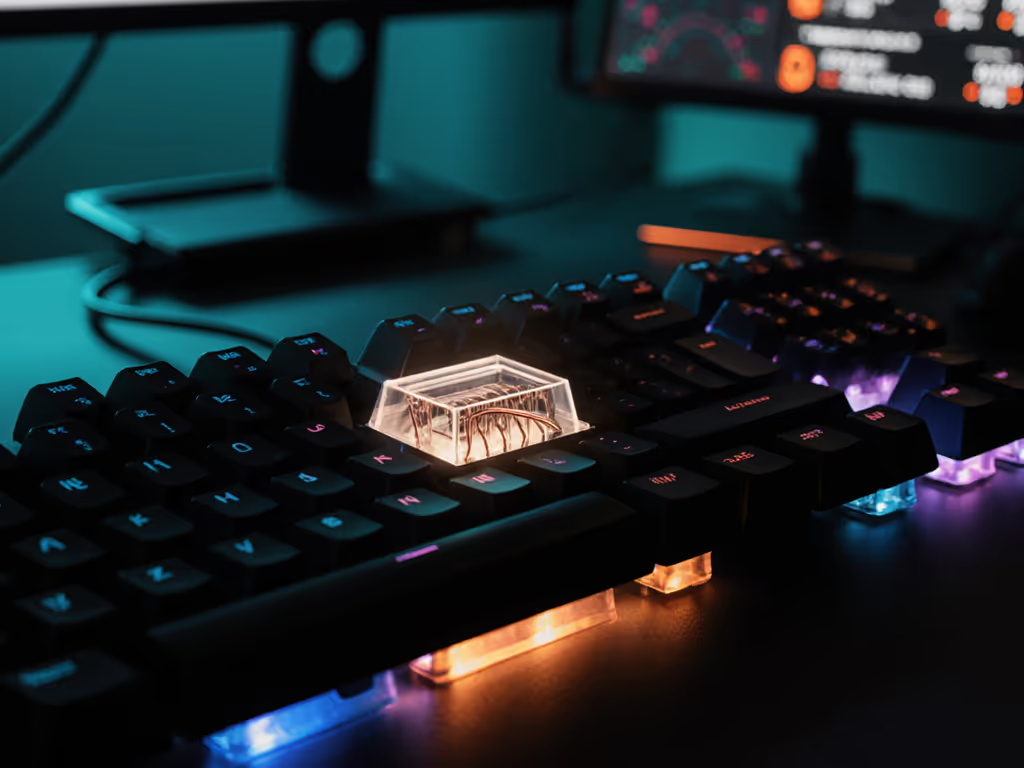
South-facing boards put the LED toward you, but below the switch.
With non-shine-through PBT, you mostly see underglow and light pooling around caps.
With shine-through ABS, legends typically look dimmer and less crisp.
If your priority is clearly illuminated legends in the dark (and you're running see-through or doubleshot ABS with top-facing legends), north-facing realistically still wins. If you care about lighting for function as well as looks, our mechanical RGB benefits guide breaks down visibility and gameplay use-cases.
If you:
... then the RGB trade-off on south-facing is mostly cosmetic and not a performance concern.
switch compatibility south-facing is more about physical fit than switch type.
For most modern hot-swap boards:
The actual compatibility considerations are:
So if you're worried that choosing a south-facing PCB will restrict your switch choices, you can relax. Orientation is mostly about how those switches play with your keycaps and lighting, not which ones you can use.
Let's tie this directly to pcb orientation gaming performance across genres.
What moves the needle most:
Orientation ranking:
What matters:
Orientation ranking:
What matters:
Orientation ranking:
Across all genres, I'd put PCB orientation below these in importance:
Once those are dialed, choosing south-facing is a quality-of-life upgrade, not a raw performance hack.
If you already own a board, use this checklist before blaming orientation:
If the only downside you notice is "RGB doesn't look as bright," then orientation isn't a performance issue for you. If, however, you're stuck on a north-facing board with Cherry-profile caps and your movement keys feel off, moving to a south-facing PCB can be a practical, measurable comfort upgrade.
With all the marketing stripped away:
If your current board is already low-latency and comfortable, switching orientation alone won't suddenly bump your rank. But if orientation is blocking you from running the keycaps and setup that fit your hands best, then changing to south-facing can be a meaningful, if indirect, upgrade.
If you're deciding on your next board:
Orientation is one knob in a much larger stack. Dial in firmware, switches, and layout first; use PCB orientation to unlock the keycaps and acoustics that keep you consistent deep into a session. That's where it quietly pays off.