South-Facing PCB Comparison: Does Orientation Boost Gaming?
21st May•11 min read
When you're chasing consistency in FPS titles or grinding ranked modes, every millisecond and every keystroke matters. You've probably heard stabilizers matter, but the real question is how they affect your actual performance, and whether tuning them is worth your time and money. Let me break down stabilizer mechanics for gaming from a data perspective: what they do mechanically, why they fail, and where your upgrade dollars actually land.
A spacebar is up to six times wider than a standard key, yet it typically uses only one switch for registration, usually mounted dead center underneath. Without stabilizers, pressing the spacebar off-center causes it to tilt or seesaw, creating a mushy, inconsistent feel and introducing latency variance. The same issue haunts shift, enter, backspace, and the zero key on the numpad. In competitive play, inconsistent keystroke feedback trains muscle memory incorrectly. Your pinky learns to compensate for a wonky spacebar instead of learning pure mechanics. Stabilizers are the fix: they distribute your keystroke force evenly across the keycap, ensuring that pressing a key on either edge feels identical to pressing it in the center.
The payoff is simple: a key stability breakdown shows that stabilizers don't add latency, they eliminate variance. That's the measurable delta. For the underlying mechanics behind variance elimination, see our keyboard stabilization physics breakdown.
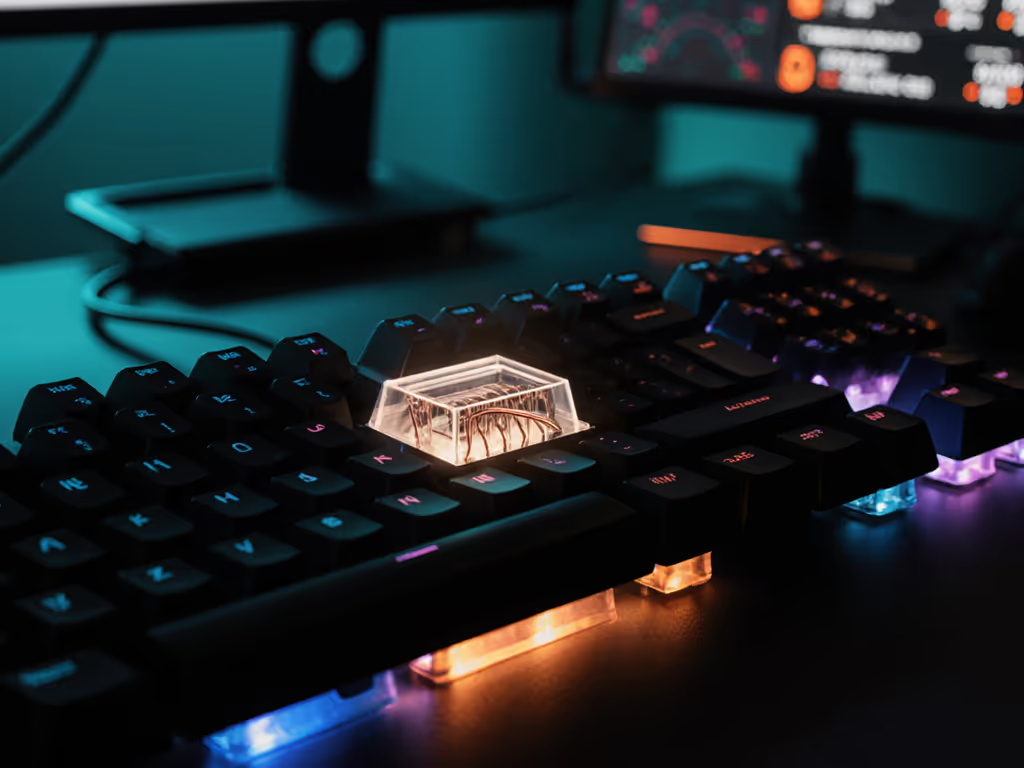
Most gaming stabilizers use a metal wire anchored by movable bars or housing inserts, each side mirroring the other. Here's the mechanical sequence:
The Force Path: You depress one side of a large key. The keycap's stem pushes down on one slider. The slider moves downward, pulling the wire with it. Since the wire is clipped into both sliders symmetrically, the opposite slider is pulled up proportionally, counterbalancing the force. Result: even downward travel, no tilt.
The Tension Problem: The stabilizer mechanism faces a genuine engineering contradiction. To eliminate rattle and reduce noise, the gaps between mating parts need to be small. But the keycap also needs to move freely up and down without binding or sticking, which requires large gaps. Cheap stabilizers compromise: loose tolerances that rattle, or tight tolerances that bind. Premium tuning (which we'll cover) forces these objectives to coexist.
Spring Dynamics: The slider springs determine return speed. If springs are weak or compressed unevenly, keys return sluggishly. If they're over-compressed (often by case foam or plate pressure), you get exactly the opposite problem: slow key return and a sticky feel.
Plate-Mounted Stabilizers
Clipped to the keyboard's plate (the metal or plastic layer between switches and PCB). Easier to remove and swap, which is why mass-produced boards use them. The downside: plate holes are often inconsistent, leading to loose-tight wobble where one stabilizer sits flush and the other rattles. From a reliability angle, you're buying convenience over precision. For a deeper gaming-focused comparison of stabilization methods and mounting choices, see Costar vs plate stabilizers.
PCB-Mounted Stabilizers
Attached directly to the circuit board. Two sub-types dominate the gaming market:
Screw-in stabilizers: Fastened via screws, offering maximum rigidity. They minimize vibration and movement, which is why enthusiasts favor them. Trade-off: harder to install and adjust. But once tuned, they're the closest you get to rock-solid keycap stability. Price premium is real, but if you're building once and not swapping stabs yearly, the ROI is there.
Snap-in (clip-in) stabilizers: Plastic clips lock into PCB slots. Simpler install, but inherently less rigid than screw-in. Snap-in is the middle ground: faster than screw-in, more stable than plate-mount, and common in pre-builts.
Gaming Context: Competitive shooters demand screw-in if your budget allows; the rigidity reduces micro-vibrations that blur your muscle memory. For MMOs with macro layers, the install complexity is less critical because you're not speed-gaming as much. Pay for deltas, not decals (spending extra on screw-in makes sense only if you're playing games where sub-10ms consistency matters).
Here's a detail most guides skip: stabilizer wire tension is inseparable from keycap design. The distance between the two stem sockets on your keycap must match the distance between the stabilizer sliders. Mismatch, and the key feels loose or astringent (stiff and grinding).
This is why keycap swaps sometimes tank your feel overnight. You buy premium ABS caps with slightly different stem spacing, drop them on old stabilizers, and suddenly your spacebar feels warped. The keycap is driving the stems to deviate under pressure, creating phantom tilt. It's not the stabs failing, it's geometry conflict.
Gaming Impact: If you're hotswapping caps mid-season, test them on a spare key first. Misaligned stems introduce latency variance, and variance is the enemy of rank consistency. If you're weighing cap shapes for feel and control, our keycap profile comparison tests gaming speed versus ergonomic comfort.
Cherry-style stabilizers use a rotating wire clipped into housing inserts, with the wire's two arms inserting into keycap sliders. This is the most common design in gaming boards. The wire rotation allows some play, which is why they're easier to dial in and more forgiving of keycap variance.
Costar-style stabilizers (named for the Cherry OEM variant) use a similar wire-and-slider design but with different clip geometries. The mechanics are functionally equivalent for gaming; the difference is in fine-tuning feel and noise.
For Gamers: Cherry vs Costar is largely a feel preference. Cherry-style is more common and cheaper; Costar slightly tighter. Both work fine. Don't pay a premium based on this distinction alone. For a data-driven look at gaming behavior differences, see our Cherry vs Alps stabilizer test.
Breakdowns are predictable. Here's what kills performance in-game:
Rattling or ticking: Loose wire or unlubricated housing inserts. Diagnose by pressing the key on-center vs. off-center; if off-center rattle is worse, it's wire play. Fix: apply lubricant or use the Holee mod (wrapping the stabilizer bar in thin film to reduce housing play).
Off-balance keys: Misaligned stabilizer housings, warped keycaps, or over-tightened case screws crushing the stab mount. Diagnose: press the key's left edge, then right edge. Uneven resistance = misalignment. Fix: loosen case screws or re-seat the stabilizer.
Sticky or sluggish return: Over-lubrication, debris, or keycap interference. Diagnose: does the key return hesitantly from full depression? Clean with isopropyl alcohol and reduce lube.
Loose wires: Bent stabilizer wire or improper insertion into keycap sliders. Diagnose: wiggle the spacebar horizontally; excessive play = loose wire. Fix: straighten and reinsert, or replace.
Lubrication Guide Essentials
Proper stabilizer lubrication protocol uses dielectric grease or PTFE-based lubricants on the stabilizer wire and housing inserts. Application is surgical: too much kills the feel (keys become mushy), too little leaves rattle. The rule: thin, even coat on wire contact points only. Monthly cleaning and an annual relube keep performance stable.
Clip Mod: Trim the stabilizer inserts (the clips that hold the wire) by ~1 mm on one side to reduce housing wobble without adding friction. Takes 2 minutes, free, and effective if your wire is already stable.
Band-Aid Mod: Cut 3/16-inch-wide fabric strips, place them under stabilizer housings where they contact the PCB, and apply dielectric grease. This dampens impact noise without stiffening the key. Great for shared dorms or office setups where quiet matters.
Wire Adjustment: If the wire is bent, straighten it carefully. Bent wires distribute force unevenly, recreating the tilt problem from the beginning of this breakdown.
Gaming ROI: These mods cost $0-2 in materials and add 10-15 minutes of work. Noise reduction and consistency gains are measurable and immediate. Start here before spending on new stabilizers. To quiet remaining resonance without hurting responsiveness, try these proven sound dampening techniques.
You can't optimize what you don't measure. Test stabilizer performance with these checks:
Consistency test: Tap the same key 10 times, pressing on-center, left edge, and right edge. Actuation sound and feel should be identical across all three positions. Variance = misalignment or loose wire.
Return speed test: Press a stabilized key to full depression and release. It should pop back up without hesitation. Sluggish return = over-lubrication, debris, or spring issue.
Noise floor: In a quiet room, type on your stabilized keys at normal speed. Compare to a freshly-built board or baseline video. Rattle indicates loose wire; grinding indicates friction. Muted thunk = properly tuned.
Feel consistency: Play a 15-minute competitive session on a freshly-tuned board, then revisit the same board a week later. Consistent feel = stable setup. Degradation = lubrication settling or wire shifting.
If you're noticing inconsistency in your gameplay or hearing rattle when you stream, run the diagnostic tests above. Identify which keys are failing and whether it's wobble, noise, or return speed. Most issues are fixable with $0-10 in materials and 30 minutes of focused work. Don't reflexively buy new stabilizers; smarter spending beats bigger spending, fix the core issue first, then decide if an upgrade is justified.
Start with lubrication and the Band-Aid mod. If consistency doesn't improve, then test for misalignment or bent wires. Only after you've ruled out tuning should you spec screw-in stabilizers for your next build. That's where you see real ROI: a board that doesn't degrade over a season, not a hype-driven upgrade.