Ergonomic Keyboard Wrist Rests: Built-In vs. Separate
6th May•9 min read
The question isn't whether your keyboard matters for hand health during long sessions, it's which design philosophy actually serves your recovery or prevention goals. Therapeutic keyboard comparison and rehabilitation gaming hardware sit at an intersection where input devices leave the purely recreational realm and enter functional recovery territory, yet most players never encounter evidence-based guidance on how they differ.
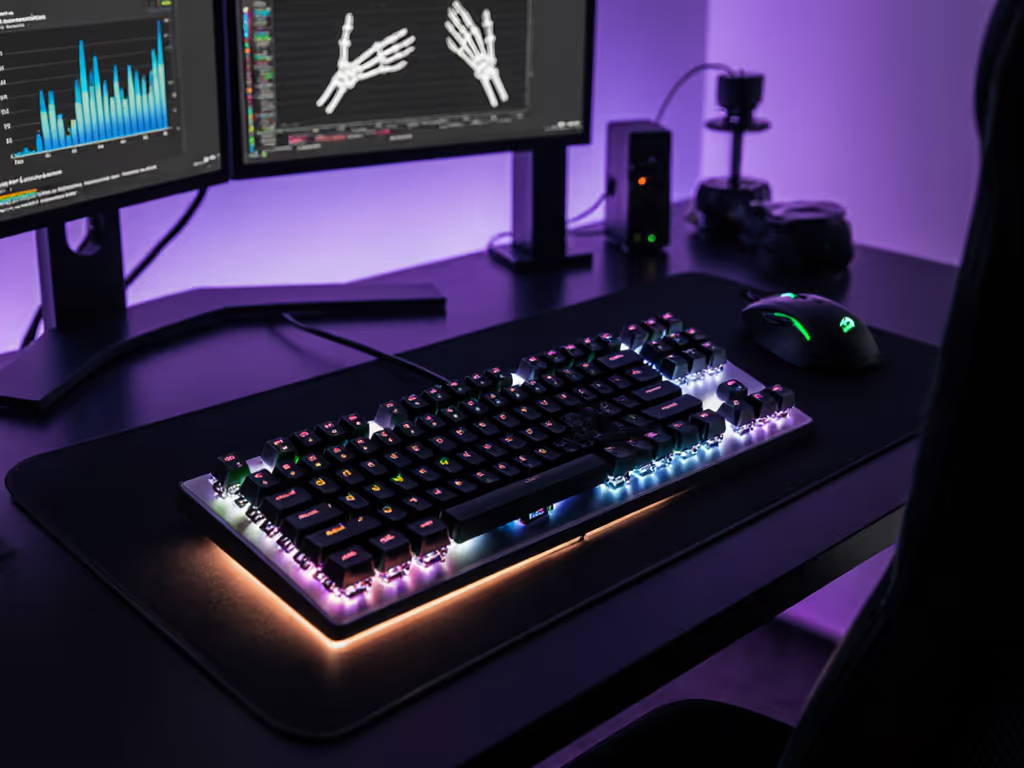
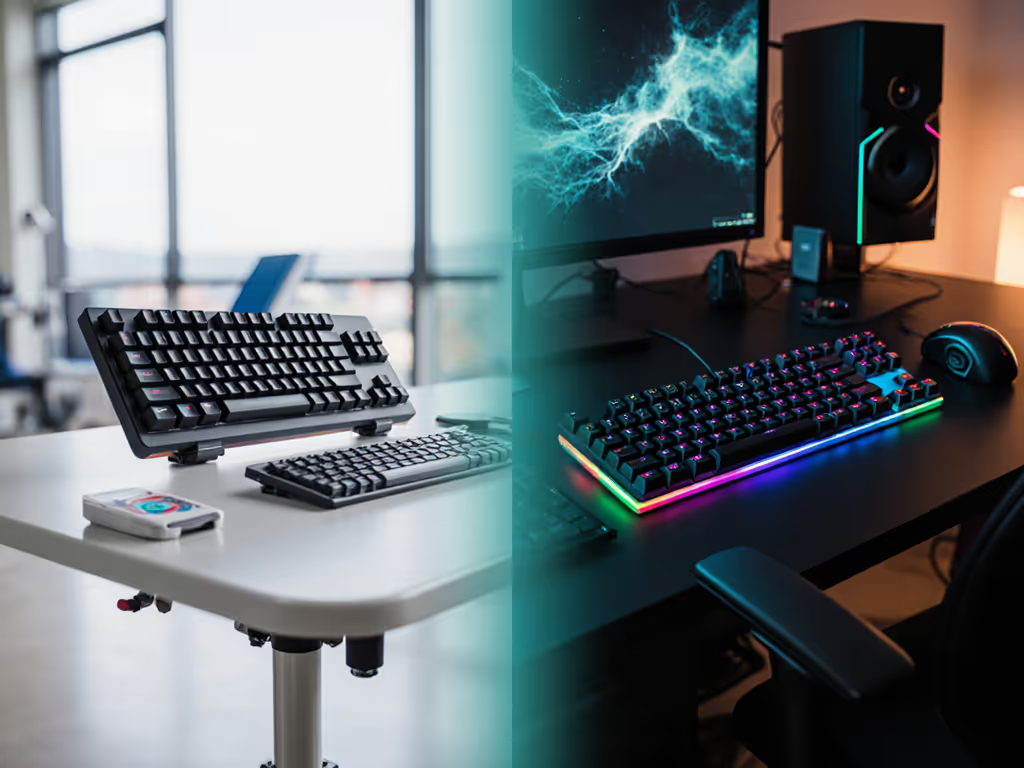
A medical therapeutic keyboard is typically designed with input resistance, key spacing, and angle calibration informed by occupational therapy protocols. A consumer gaming mechanical keyboard optimizes for speed, tactile feedback, and aesthetic appeal. The overlap exists (both pursue consistency and low latency), but their starting assumptions diverge. Medical keyboards ask: "How do we reduce compensation patterns and support neutral wrist positioning?" Consumer boards ask: "How do we maximize responsiveness and customization?"
Therapeutic keyboards often employ lower actuation forces (30-45 grams rather than 50-70), shorter travel distances, and built-in tenting or split designs to honor wrist alignment during recovery. Consumer gaming keyboards, even ergonomic variants, typically prioritize feel and sound tuning over clinical positioning, though that doesn't make them unsuitable for all users. Context matters more than labels.
Therapeutic keyboards are typically prescribed or recommended by occupational therapists, physical therapists, or hand specialists working with patients recovering from stroke, spinal cord injury, or upper-limb dysfunction. If you're in active rehabilitation following a neurological event, injury, or surgery, your therapist can recommend specific hardware or input protocols.
Consumer gaming keyboards serve a broader audience: esports competitors, content creators, students in long study sessions, and players managing chronic hand fatigue or RSI prevention. The boundary isn't clinical; it's functional. Many players report measurable improvements in comfort and accuracy by tuning consumer boards (switch choice, keycap profile, desk height, tenting angle) to match their hands and playstyle, a practice that echoes therapeutic principles even without clinical oversight.
If you have existing pain, injury, or neurological condition, consult a clinician before selecting input hardware. A keyboard, however well-designed, is one factor in a larger ergonomic and movement ecology.
Switch force curves and tactility serve different masters. Therapeutic switches are often linear or subtle tactile, with consistent actuation forces and minimal travel, to reduce compensatory tension and repetitive strain. Gamers frequently prefer pronounced tactile bumps or high actuation points for auditory and kinesthetic feedback during rapid key sequences.
However, many gaming-first players with hand sensitivity or fatigue issues discover that lower-force switches (35-45 grams linear) reduce wrist heat and forearm fatigue over marathon sessions. After months of shoulder tension during competitive play, a shift to lighter springs and a modest board tilt can quietly compound into consistency improvements (stamina holds, aim steadies, and fatigue drops) without flashy hardware upgrades.
Neutral is a performance setting. This isn't a marketing claim; it's an observation born from user sessions mapping comfort to output accuracy. Lighter switches require less muscular tension, which reduces fatigue and preserves fine motor control in longer sessions. For a deeper look at force curves and response times, read our actuation force guide. For gamers managing preventive ergonomics or recovering from RSI, this principle transfers directly from therapeutic design.
Therapeutic keyboards often employ split or tented designs that widen hand separation and allow each arm to rest at a neutral angle (typically 15-25 degrees of pronation reduction). They may also reduce key cluster density to minimize reach and pinky strain.
Gaming keyboards usually maintain standard staggered layouts (TKL, 65%, 60%) optimized for quick access to game macros, WASD clusters, and utility layers. The compromise: standard layouts favor speed and familiarity over postural neutrality, but modular alternatives (split 65s, ergonomic 75% layouts) now bridge both worlds without sacrificing the competitive or creative workflows players depend on.
If you're recovering or managing chronic fatigue, a split layout or tented board can reduce wrist extension stress. If you're optimizing for esports or streaming, you'll likely want to preserve a familiar layout and instead tune the angle, seat height, and switch response to match your hands.
Therapeutic keyboards typically offer limited customization: the design intent is fixed and validated. Consistency is the goal. Modifying a therapeutic keyboard risks undoing clinical calibration.
Gaming keyboards thrive on customization: hot-swap switches, foam layers, stabilizer tuning, keycap swaps, and firmware adjustments. If you're curious how hot-swap sockets work (and why they help experimentation), see our hot-swap gaming keyboards explainer. This modularity is a double-edged feature. For players chasing optimal comfort and performance, it's liberating: you can experiment, measure (latency, acoustic profile, hand fatigue), and iterate. For beginners, customization can feel paralyzing or risky.
If you're selecting a consumer keyboard for hand-health reasons, don't feel pressured to mod aggressively. Out-of-the-box ergonomic layouts and lighter switch options (or gaming boards with pre-built ergonomic variants) often deliver meaningful relief without disassembly. Modular hotswap boards do allow low-risk experimenting: swap a few switches, log your session comfort over a week, and adjust without commitment.
Sometimes. Not always. It depends on the stage of recovery and the clinical recommendation.
A consumer gaming keyboard with an ergonomic layout, light linear switches, and tenting capability can align with many occupational therapy goals for long-term maintenance or preventive use. However, during acute recovery (first weeks or months after stroke, surgery, or injury), a therapeutically validated device with lower actuation forces and clinician-calibrated positioning is typically safer and more appropriate.
After recovery milestones are met and you're transitioning to long-term management or performance optimization, a tuned consumer board can sustain the principles your therapist established: neutral wrist angle, low input force, and consistent positioning during extended use.
The key distinction: therapeutic keyboards are treatment devices; gaming keyboards are lifestyle tools. One is prescribed during rehabilitation; the other supports your goals afterward.
When comparing medical or gaming keyboards for long-session use or recovery support, focus on these measurable attributes:
Actuation force - Lower is often better for fatigue management (30-45g for recovery-focused play; 50-70g for competitive speed). Lighter switches reduce muscular tension but may sacrifice the tactile feedback some players rely on for confidence. Test both; log your wrist strain and accuracy over two-week periods to find your threshold.
Travel distance - Shorter travel (1.5-2mm) reduces fatigue but can feel mushy if stabilizers aren't tuned. Longer travel (3.5-4mm) preserves tactile clarity but demands more hand effort. Recovery-focused users often benefit from mid-range travel (2-3mm) with high-quality stabilizers.
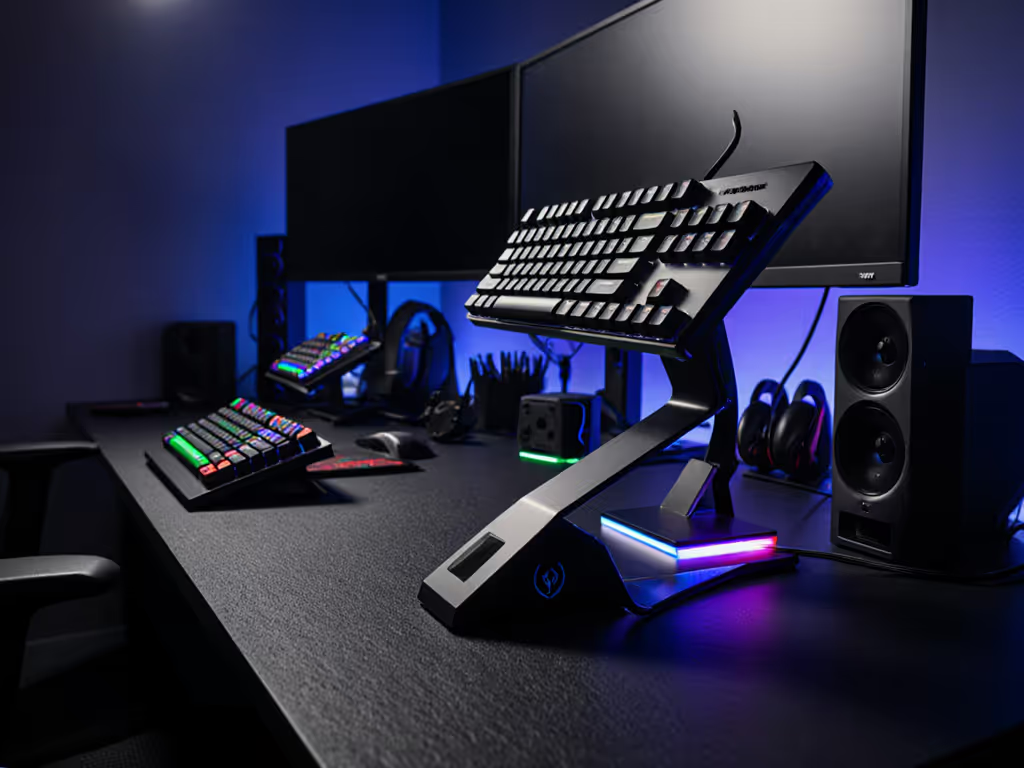
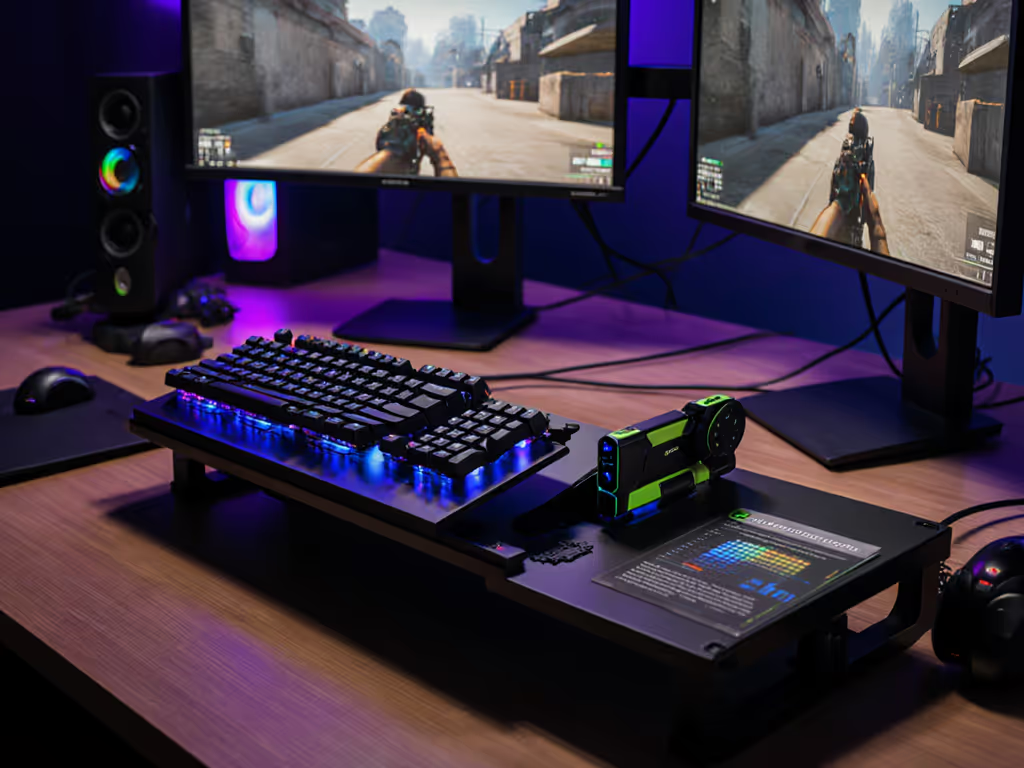
Tenting angle - Boards that tilt 5-15 degrees reduce wrist extension strain. If your keyboard is flat, a desk riser or board tent achieves similar effect. Angle matters more than most aesthetic choices and is one of the quickest wins for comfort.
Key spacing and layout - Standard spacing (19.05mm pitch) is familiar but forces reach. Split or ortholinear layouts reduce finger travel and pinky strain. See our testing on ortholinear vs standard gaming layouts for performance trade-offs during recovery and competitive play. For hybrid users (gamers and typists), a staggered split or ergonomic 65-75% layout balances both worlds.
Stabilizer quality - Rattle, mushy feel, or uneven keystroke force in spacebar or modifier keys amplifies compensatory tension in wrists and fingers. Clipped, lubricated, or band-aid modded stabilizers dramatically improve consistency and reduce fatigue.
Wired connections eliminate latency variability and battery concerns, making them the default for therapeutic contexts where predictability is clinical. Competitive gamers often prefer wired for the same reason: sub-millisecond latency and zero dropout risk during high-stakes moments.
Wireless technology (2.4GHz or Bluetooth) has matured to near parity with wired latency in quality boards, but it introduces variables: battery cycles, connection drops during sleep or wake, and environmental interference. For latency and stability differences between protocols, compare Bluetooth vs 2.4GHz for gaming. For long-term recovery support, wired or ultra reliable wireless (dedicated 2.4GHz dongle) is prudent. For everyday typing and casual gaming, modern wireless is stable enough that other ergonomic factors (angle, switch force, layout) will have far greater impact on comfort.
If you're in active rehabilitation, work with your therapist or occupational specialist to identify hardware that aligns with your protocol. If you're a gamer managing hand fatigue or seeking preventive ergonomics, start with these low-risk steps:
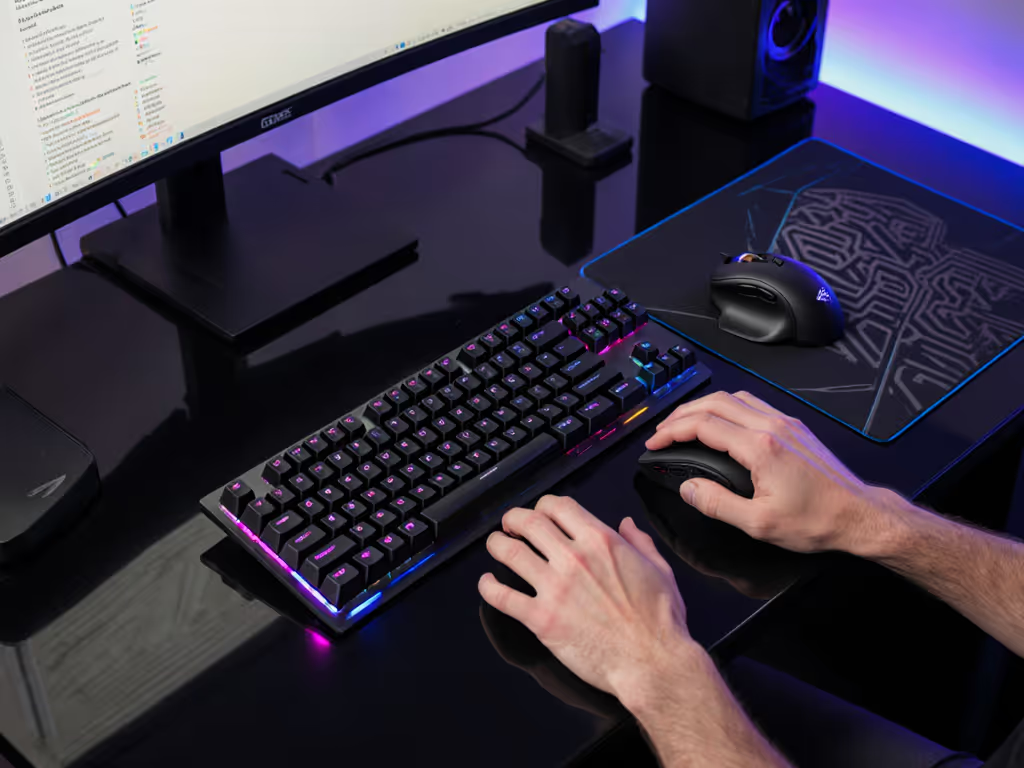
Establish baseline posture. Desk height should place your elbows at 90 degrees; wrists should float neutral or very slightly extended (not flexed or dropped). Photograph or video your current setup as reference.
Audit your current board. Is it flat? Add a tent (5-10 degrees). Are stabilizers rattle-prone? Film or lubricate them (transformative ROI, minimal time). Are switches heavy? Measure your session fatigue before and after a switch test (hot-swap boards make this painless).
Choose switch weight by trial, not myth. If you're fatiguing, try 35-45g linear. If you need tactile confidence for accuracy, try 45-55g tactile. Log your wrist strain and speed consistency over a week to rank them fairly.
Prioritize layout fit over features. A 75% or split 65% layout that keeps your hands closer to center reduces reach fatigue more than RGB lighting ever will. Standard staggered layouts are familiar; ergonomic alternatives require an adjustment week but often feel markedly less strained after habituation.
Measure before and after. End-of-session wrist soreness, keystroke speed, and accuracy consistency are real outputs. Log them. If a change (lighter switches, higher tilt, split layout) improves them within 1-2 weeks, commit. If not, roll back and try the next variable.
The choice between medical and consumer keyboards isn't binary, it's contextual. Clinical recovery demands validated therapeutic hardware; long-term performance and comfort demand tuned consumer options informed by ergonomic principles your therapist or specialist endorses. The intersection of both worlds is where rehabilitation gaming hardware and mainstream gaming mechanical keyboards increasingly meet: lighter switches, split layouts, and tenting are no longer niche therapy add-ons but mainstream features in gaming boards, suggesting the disciplines are converging on what actually works.
If you're recovering, have your specialist recommend a starting device, then explore how consumer options can extend those principles into your everyday life. If you're optimizing for long sessions without clinical recovery needs, test variables methodically, prioritize ergonomic geometry over aesthetic features, and remember: comfort compounding into consistency is the real high score.