Gaming PC Keyboard for Coders: Performance per Dollar
10th May•12 min read
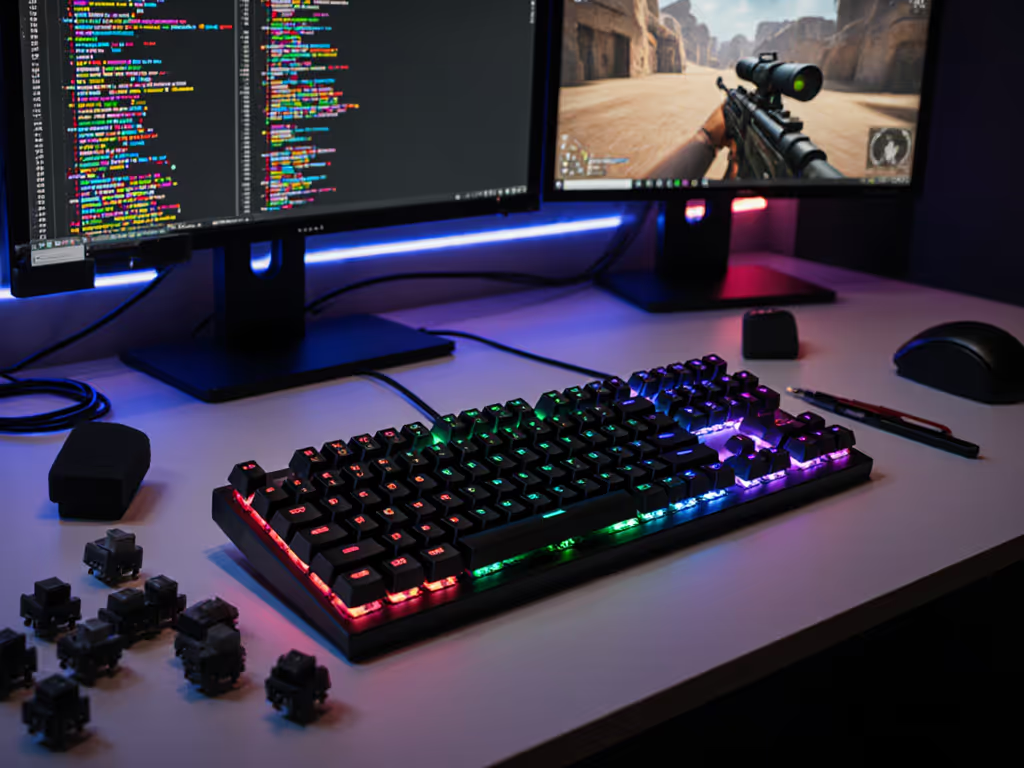
MOBA gaming demands precision, speed, and muscle memory you can trust. A 75 percent gaming keyboard layout gives you the F-key row for ability binds, macro layers for item actives, and enough compact footprint to position your mouse freely, exactly what competitive League of Legends, Dota 2, or Valorant players need. But marketing noise drowns out what actually matters: latency stability, keybinding ergonomics, and whether a board performs at its price point across long ranked sessions.
I've tested dozens of boards at every price tier. I've also sat through the hype cycle long enough to know when specs are padding a margin versus when they solve real problems. This guide strips the fluff and ranks 75% keyboards where ROI is measurable, the ones that improve your input consistency, cut fatigue, and let you bind keys without sacrificing comfort or your budget.
MOBA players live in the top-left quadrant of the keyboard: ability keys (Q, W, E, R), item slots (1-6), summoners (D, F), and TAB for scoreboard. You also need F1-F12 for quick-cast or self-cast layers, and arrow keys are rare but matter for camera panning.
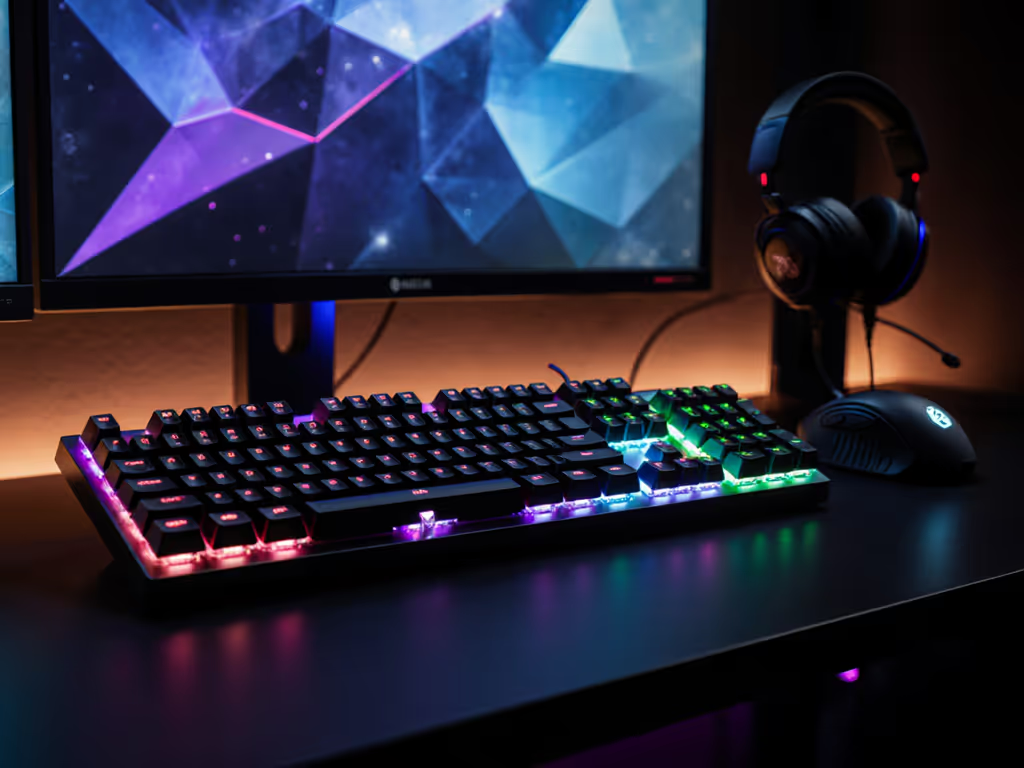
A 75% layout MOBA gaming setup keeps all of those keys within reach while cutting the numberpad. Compared to a full-size board, you save 4-5 inches of desk real estate, critical when your mouse needs breathing room during teamfights. Compared to a 60% board (which sacrifices F-keys and arrow access), a 75% is the Goldilocks choice: functional and compact. For a deeper comparison of compact layouts, see our 65% vs 75% key differences.
The keybinding efficiency gains compound over thousands of games. Better position, faster access, less hand fatigue.
Before we rank specific boards, here's what separates a good MOBA keyboard from an expensive one:
The GMMK Pro is the safest buy in the 75% space for competitive MOBAs. It ships with a gasket-mounted PCB, aluminum chassis, stabilizer tape applied at factory, and full QMK/VIA support out of the box. That last point is critical: you can bind item actives and ability layers without touching external software. Your macros live on the board itself (no driver dependency, no sync delays).
The trade-off is that up-front cost sits higher than budget options. But the ROI is immediate: zero setup friction, proven QC, and an ecosystem of easily sourced parts (PCBs, stabilizers, hotswap switches). If you're playing 20+ ranked games a week, the consistency you gain from reliable macros and a tuned gasket mount justifies the premium.
Best for: Serious mid-tier buyers and macro-heavy champions (Twisted Fate, Sylas, support players juggling item actives). Anyone who has lost a teamfight to a macro hiccup knows why this matters.
Keychron Q1 is excellent if you're coding during the day and grinding ranked at night. CNC aluminum construction, gasket mounting, hot-swap switches, and QMK/VIA support ship standard. Keychron also nailed Mac/Windows/Linux compatibility, their firmware doesn't ghost or drop inputs on OS switches, a real pain point many players encounter. Mac users can avoid common pitfalls with our macOS gaming keyboard compatibility guide.
You pay a bit more than the GMMK Pro, but if you're investing in a single keyboard for work and play, the reliability and cross-platform polish are worth it. The typing experience is premium: smooth stabilizers, solid case damping, and a satisfying bottom-out that translates to confident keybinds during tense moments.
Best for: Students and early-career pros who split time between development, design, and gaming. Switching from Windows to a MacBook doesn't break your muscle memory.
Wooting's Hall effect switches are a different animal. Instead of mechanical contact, they measure magnetic proximity, letting you adjust actuation point per key down to 0.1mm and tweak rapid-trigger and snap-tap behavior via firmware. For MOBAs, this means sub-1ms response variance across all your ability keys.
The learning curve is real. If you're new to it, our Rapid Trigger explainer shows how zero reset delay translates to faster inputs in MOBAs. You need to understand rapid trigger (press-release-press in <1ms triggers twice) and whether snap-tap (SOCD cleanup) fits your champion pool. But once tuned, you get a competitive edge in animation-cancel timing that most players can't replicate.
Price is high, and the ecosystem is niche (Wooting is smaller than Corsair or Razer). Warranty and customer support are solid, but repair options are limited. Only buy this if latency consistency is your limiting factor and you're willing to experiment with firmware settings.
Best for: Ex-FPS players moving to MOBAs, streamers who want to talk about gear, and players grinding for Masters+ ranks where 2-3ms of input lag matters.
Corsair K70 CORE is your safety net if you're under $100. Factory-lubed switches, mixed plastic-and-aluminum chassis, and dampening material to kill case ping. It's not as gasket-mounted or premium as the top three, but it handles 8+ hours of gameplay without fatigue and sounds respectable out of the box.
The catch: software macros are Corsair-only (no QMK/VIA), so you depend on iCUE. If iCUE hiccups or your OS updates break the driver, macros fail. For objective pros and cons, see our hardware vs software macros verdict. That risk is unacceptable for ranked play. Instead, use the K70 CORE as a straightforward typing board and bind MOBA skills to default keys (no fancy item combos). For that use case, it's a steal.
Best for: Budget players who want a reliable workhorse and don't need complex macro layers. Students on a meal-plan budget who still want a board that won't embarrass them in voice chat.
The KITSUNE Polar 75 Pro splits the difference between Wooting and mainstream brands. Wired, Hall effect switches, adjustable actuation, and a cleaner aesthetic than RGB-heavy boards. It's marketed as a gaming keyboard but feels like a professional tool: minimal lighting, solid construction, and a no-nonsense approach to input latency.
Wiring is a dealbreaker for some, but for MOBA play, it removes one variable (wireless handoff lag). If you're at a desk for 6+ hours daily, the cable isn't a burden and buys you guaranteed latency.
Best for: Minimalists who want Hall effect performance without Wooting's firmware complexity. Desktop gamers who never move the board and value reliability over portability.
Wave 75 is a recent surprise: sub-$100, gasket-mounted, decent acoustic damping, and solid stabilizers. It won't match GMMK Pro or Keychron Q1 in polish, but it's a massive step up from the Corsair K70 CORE at the same price. Sound is surprisingly thocky for the price, and day-to-day consistency holds up during long sessions.