Gaming PC Keyboard for Coders: Performance per Dollar
10th May•12 min read
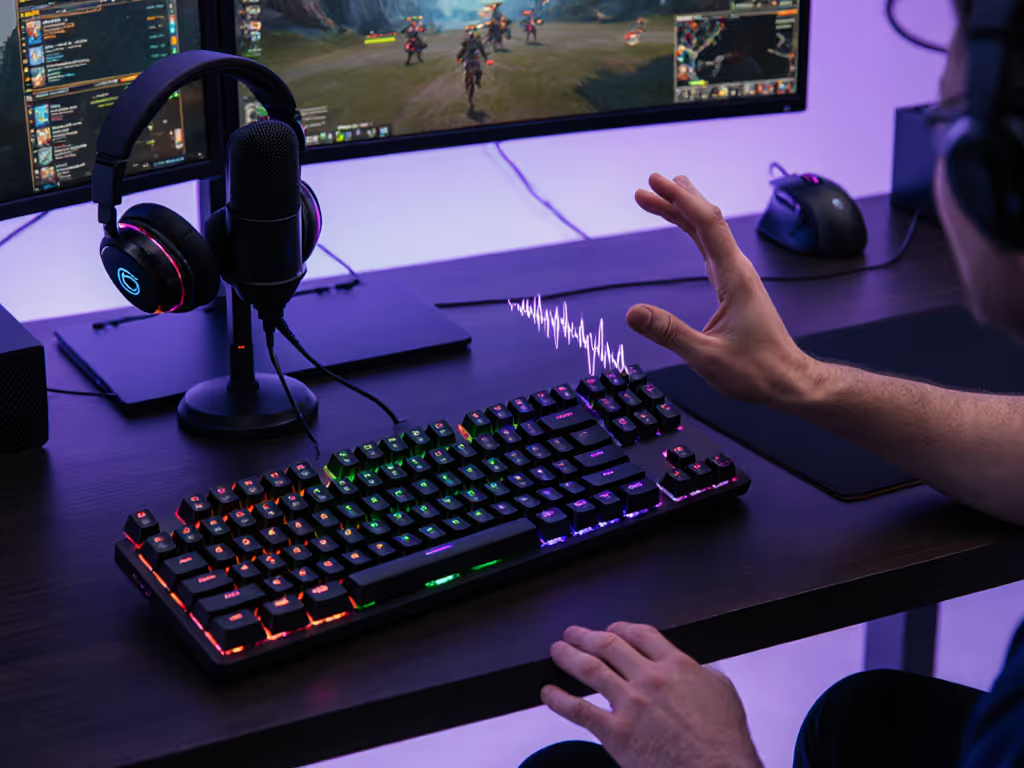
Hands-free voice command gaming keyboards remain an emerging feature in mainstream gaming peripherals, but the integration of gaming keyboards with voice control is advancing quickly, and how you set it up matters far more than the hardware alone. Before you chase the latest AI voice-integrated setup, start here with the honest latency picture: native voice command boards are rare, latency varies wildly between software layers, and most competitive gamers still pair traditional keyboards with external voice macro systems. This guide walks you through what actually works, what to skip, and how to build a voice-ready gaming rig without betting your rank on unproven tech.
Voice command latency breaks into three measurable stages: voice detection (microphone to software recognition), command parsing (software interpreting what you said), and keyboard output (the command executing a keystroke or macro). On traditional gaming keyboards with external voice tools, end-to-end latency ranges from 100-300 milliseconds (acceptable for ability casting in MMOs or cooldown callouts, but risky for FPS twitch reflexes where 50ms matters).
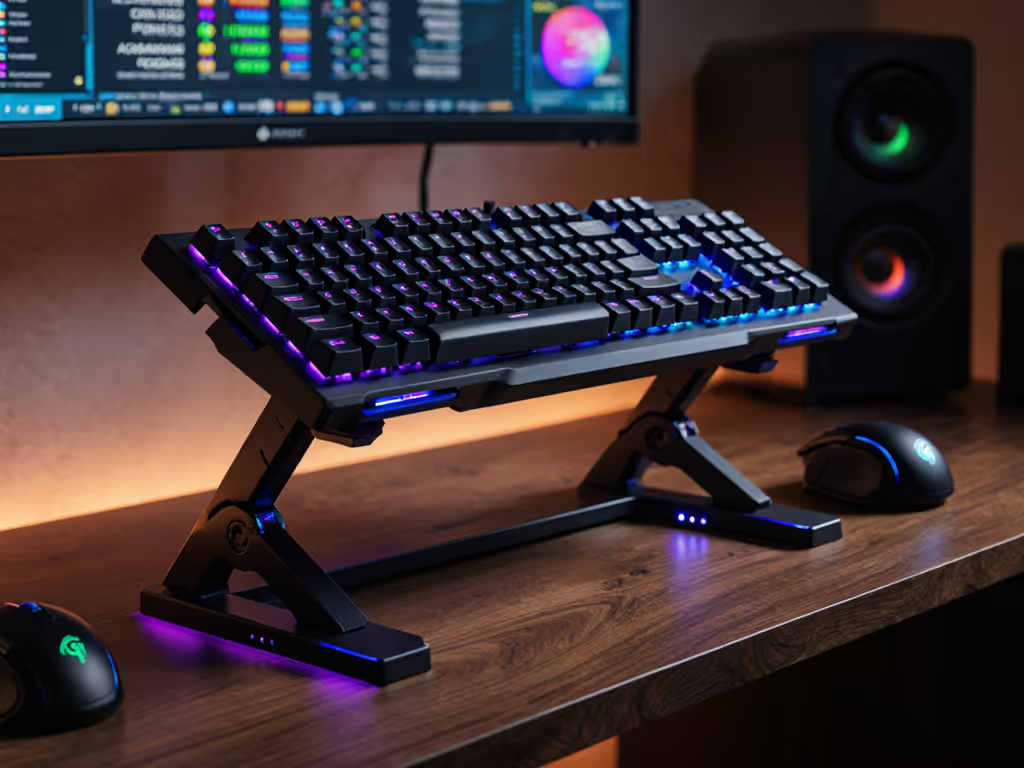
Native voice integration in keyboards is rarer than you might think. The Corsair Vanguard Pro 96, widely considered the best gaming keyboard tested in 2026, offers no native voice control, but its hot-swap design and 96% layout make it trivial to pair with external voice macro systems.[1] The Asus ROG Falcata, a wireless Hall effect board prized for competitive play, similarly focuses on switch customization and rapid-trigger features rather than voice layers.[1] Neither sacrifices latency for a feature they didn't need to build in.
This matters because bolting voice control onto a keyboard adds software overhead. A streamer voice macro keyboard setup (where voice commands trigger clips, chat responses, or scene switches) does not demand sub-50ms latency. A hands-free gaming commands system for ranked FPS play absolutely does. Know your use case before you buy. For a data-driven look at connection delay, see our wired vs wireless latency tests.
Most voice-ready gaming rigs use one of three approaches:
Standalone voice software paired with any mechanical keyboard. Tools like StreamDeck, Elgato Wave Link, or open-source voice recognition (Vosk, Whisper) run on your PC and listen to your mic. When you trigger a voice command, the software sends a keystroke or macro to your keyboard via USB, adding a software latency layer (typically 50-150ms depending on CPU load and audio driver quality). No keyboard hardware changes needed; you can trial this risk-free on the board you own right now.
Keyboard firmware with macro programmability. The Keychron V5 Max, praised for its low wireless latency and gasket-mounted feel, supports QMK (a firmware system that lets power users script macros locally on the keyboard rather than relying on PC software).[4][5] Voice commands still originate from your PC's microphone, but once recognized, the macro executes with zero additional software hop. This demands technical confidence and a compatible board, but it cuts latency and removes driver bloat.
Dedicated AI voice integration (emerging). A handful of brands are experimenting with onboard voice AI, but as of early 2026, no mainstream gaming keyboard ships with this as a proven, low-latency feature. Claims exist; tested, validated implementations do not. Wait for third-party reviews before buying hype.
AI voice integration gaming is real, but unproven on fast-twitch titles. Test latency yourself before ranking.
Before investing in a voice-command-ready keyboard setup, measure your stack's actual latency. Here's a repeatable checklist:
Baseline test: Use a high-speed camera (240fps minimum) to record your screen while triggering a voice command. Count frames between voice onset and on-screen action. Typical results: 150-300ms end-to-end with external software; 80-150ms with firmware-level macros; <50ms with wired direct input (no voice layer). Anything >200ms will feel sluggish in fast games.
CPU load test: Run your voice software (e.g., Vosk) while gaming at full load (CPU maxing out) and re-measure. Software-based voice latency scales with system load; firmware macros do not. A keyboard that reacts instantly in a Discord call may lag during a ranked match if your CPU is pinned.
Network test (wireless): If using a wireless keyboard, test voice latency on both 2.4GHz and Bluetooth. Understand the trade-offs with our Bluetooth vs 2.4GHz latency comparison. The Asus ROG Azoth's wireless connectivity is described as excellent, but adding voice-software overhead to a wireless stack introduces new jitter sources. Measure, don't assume.[1]
Repeatability: Run each test five times and record standard deviation. A setup with high variance is unreliable in competition, even if the mean is fast. Look for sub-50ms standard deviation for any voice system you'll trust in ranked play.
Not all gaming keyboards support voice integration equally. Here's what to prioritize:
Hot-swap and programmable PCBs. If you want to add dedicated voice-trigger switches (e.g., a modified spacebar that mutes/unmutes), hot-swap is essential. The Corsair Vanguard Pro 96 and Asus ROG Strix Scope II 96 Wireless both support hot-swap, and both have compact, TKL-ish layouts that leave thumb-accessible space for custom modifiers.[1][2] Soldered boards lock you out of this flexibility.
Software stability and minimal bloat. Compare the driver ecosystems: Corsair's iCUE, Asus Armory Crate, and Logitech G HUB all add overhead. Keychron boards running pure QMK firmware avoid vendor software entirely, reducing voice-latency interference, but demand more technical setup from you. Know your tolerance. For brand-by-brand stability and features, see our macro software ecosystem tests.
Microphone quality and placement. This is underrated. A voice system's first bottleneck is audio capture. Onboard keyboard mics are generally poor; USB condenser mics (Rode Wireless GO, Blue Yeti) are standard for streamers. Your keyboard doesn't need a built-in mic to support voice commands. An external, quality mic is better. Keep it within 6 inches of your mouth for reliable detection.
Wireless stability (2.4GHz over Bluetooth for gaming). If your keyboard is wireless and your voice software runs on the same 2.4GHz band, RF interference is real. Test this with a channel analyzer before committing. Wired keyboards eliminate this variable. And if latency is your priority, wired beats wireless every time.[1][4]
For streamer voice macro keyboard use, where voice commands control scenes, chat macros, or alerts, latency demands are relaxed compared to in-game commands. A typical streamer workflow:
Voice trigger: "Scene: just chatting" → detected by StreamDeck or similar → 200ms latency (acceptable, barely noticeable to viewers).
Hardware pairing: Any solid gaming keyboard works; the Gamakay X NaughShark NS68, cited as a best budget option with Hall effect switches, costs under $100 and frees budget for a decent external mic.[2] Pair it with a standalone voice system (Voicemod, StreamDeck, or Elgato Wave Link) running on a second CPU core to minimize gaming latency interference. If you want tactile controls alongside voice, consider our keyboards with rotary encoders for streamers.
Script simplicity: Avoid parsing complex commands. A flat list of exact voice triggers (e.g., "sub alert on", "camera toggle", "raid clip") outperforms fuzzy AI that tries to guess intent. Miscognitions cascade: you say "scene gaming," the software hears "seen taming," and chaos ensues live.
Testing in isolation: Before going live, run your voice macro system for 30 minutes on a dummy stream. Trigger commands 20-30 times and log failures. A 95% recognition rate in a quiet office becomes 70% with mic bleed from mechanical switches and stream audio. Account for this.
Different games tolerate different voice-command latencies:
MMOs and MOBAs (Dota 2, League of Legends, Final Fantasy XIV): Voice commands for cooldown callouts, ability pings, or auto-attack toggles can accept 150-250ms latency. The action resolves over seconds, not milliseconds. A streamer-grade voice setup is overkill; a simple voice-to-keystroke tool like Push to Talk macro works fine.
FPS titles (Valorant, CS2, Apex Legends). Callouts and team chat are faster, but the game mechanical input (shooting, jumping, throwing utility) must not depend on voice. Voice latency here is a liability, not an asset. If you use voice commands in FPS, confine them to non-critical actions: mute, scene change, clip highlight. Keep your mechanical inputs, spray control, crosshair placement, ability timing, bound to traditional keys with <5ms latency. Anything else is a handicap.
Fighting games and rhythm titles. Frame data is measured in single-digit milliseconds. Voice commands are irrelevant for inputs here. Period.
Don't buy a new keyboard yet. Test this workflow with what you have. Start here, not everywhere.
Step 1: Choose a voice platform (15 minutes). Options:
Pick one. Download. Install on a secondary SSD or second partition to avoid drive conflicts during gaming.
Step 2: Configure your microphone (10 minutes). Test audio input levels in your OS settings. A loud peak should hit 80% of the meter, not pinning to max. Use a cardioid mic, not omnidirectional, to reduce keyboard noise bleed.
Step 3: Record voice samples and train (20 minutes). Say each command 5-10 times in quiet conditions. Most voice tools build a custom model from this. Do this step, generic models misfire frequently.
Step 4: Assign keyboard outputs (15 minutes). One command = one keystroke or macro. Example:
Shift+E (predefined hotkey in your game).M.Ctrl+Alt+M (Discord push-to-talk).Don't get clever with multi-command chains yet; keep it simple.
Step 5: Test in a custom game or practice lobby (15 minutes). Trigger each command 10 times and confirm it lands every time. Measure latency with a high-speed camera if you have one; otherwise, note the subjective feel. Does the action resolve within a beat of you speaking? If yes, keep going. If no, diagnose: CPU load? Mic placement? Noisy environment? Each has a fix.
Total time: ~75 minutes. Cost: $0-50. Risk: Zero. You are on your current board, reverting is one uninstall.
If this setup works, you've validated voice commands are worth upgrading for. If it fails, you've learned what's wrong without spending $200 on a keyboard.
| Feature | Why It Matters | Best Options (2026) |
|---|---|---|
| Hot-swap switches | Lets you remap physical switches to voice triggers if needed. | Corsair Vanguard Pro 96[1], Asus ROG Strix Scope II 96 Wireless[2] |
| Programmable macro layer | Direct keyboard firmware support for voice-triggered macros. | Keychron V5 Max (QMK)[4][5], Gamakay X NaughShark NS68[2] |
| Wireless 2.4GHz + wired USB option | Avoid RF conflicts with your voice mic and PC audio stack. | Asus ROG Azoth (wireless + wired)[1], Lemokey P1 HE (wireless)[4] |
| Low polling rate flexibility | Some voice software demands 1000Hz USB polling; older boards max at 125Hz. Check specs. | Most 2026 boards support 1000Hz; verify in reviews. |
| Under-100ms wireless latency | If wireless, confirm measured latency is proven sub-100ms before assuming voice safety. | Asus ROG Azoth, Keychron V5 Max[4] |
| Standard layout (96%, TKL, or Full) | Ensures keycap and switch compatibility if you later customize. | Corsair, Keychron, Asus ROG all use standard layouts[1][2][4] |
The Corsair Vanguard Pro 96 ticks most boxes (hot-swap, compact, proven low latency, strong firmware) and costs ~$200. For budget builders, the Gamakay X NaughShark NS68 at under $100 sacrifices none of the essentials and includes Hall effect switches for latency control.[1][2]
Pitfall 1: Relying on voice for critical in-game inputs. Voice latency will never compete with mechanical keypresses. Use voice for team communication, admin tasks (streaming, recording), and utility toggles only. Bind your spray control, ability timing, and movement to fingers. One evening, one kit, one upgrade path, and voice isn't the upgrade path for competitive input.
Pitfall 2: Ignoring CPU load. A voice-recognition task running at high priority will steal CPU cycles from your game. Monitor task manager during a test match. If GPU utilization drops noticeably, voice is stealing GPU scheduler time. Move voice to a second monitor's PC, or accept the performance hit.
Pitfall 3: Cheap microphone placement. A mic 12 inches from your mouth or pointed at your keyboard is useless. Invest $30-50 in a boom arm and keep the mic 2-4 inches away, pointing slightly off-axis from your mouth to reduce plosive noise. This alone doubles recognition accuracy.
Pitfall 4: Over-complex trigger phrases. "Ultimate ability up, enemies on left, need backup" is a sentence, not a command. Voice recognition falters on long strings. Instead: "Ult up" (triggers a macro that pings), then speak to team naturally. Let the mechanical layer handle complexity.
Pitfall 5: Not testing wireless interference. If your keyboard, mic receiver, and WiFi router all compete for the 2.4GHz band, you'll see unpredictable latency spikes. Use a WiFi analyzer app (Wifi Analyzer, NetStumbler) to identify crowded channels. Move your voice receiver or switch to 5GHz WiFi.
This week:
Next week (if testing passes):
Next month (commit phase):
Voice command gaming keyboards remain a niche optimization, not a standard path to competitive advantage. But for streamers, hybrid gamer-typists, and MMO players who value convenience, a well-tuned voice layer with a reliable mechanical keyboard beats fumbling with chat or scene controls mid-stream. The key is measuring, not assuming. Test on your current setup. Validate the latency and recognition rates. Then buy new hardware, not before.
Start here, not everywhere. A $0 software test beats a $200 keyboard regret every time.