Gaming Keyboard Modding Guide: Competitive Tuning
23rd Feb•8 min read
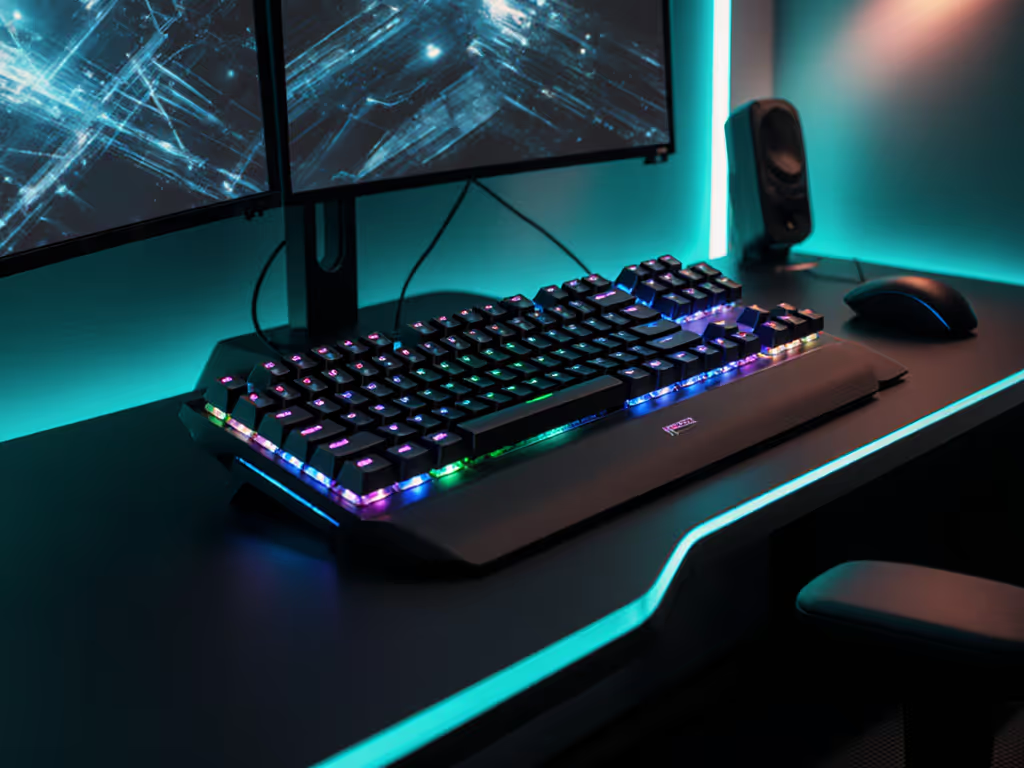
When discussing gaming mechanical keyboard options that genuinely enhance performance while reducing physical strain, the conversation must move beyond marketing hype to examine how smart keyboard technology fundamentally supports sustainable play. As someone who's spent years measuring biomechanical responses during extended sessions, I've observed that the most effective adaptive solutions prioritize both input precision and physiological sustainability (not just raw speed metrics).
True adaptive gaming technology responds to individual biomechanics rather than applying one-size-fits-all solutions. This goes deeper than just adjustable actuation points or rapid trigger modes that reduce key travel distance. While features like Razer's Rapid Trigger Mode (which resets switches instantly after registration rather than requiring full travel back to a fixed point) can lower input latency, the most valuable adaptations address how your hands actually move during gameplay.
Research from the International Journal of Human-Computer Interaction confirms that adaptive layouts reducing unnecessary finger travel can lower muscle activation by 18-22% during extended sessions. This isn't just about speed, it's about sustainability.
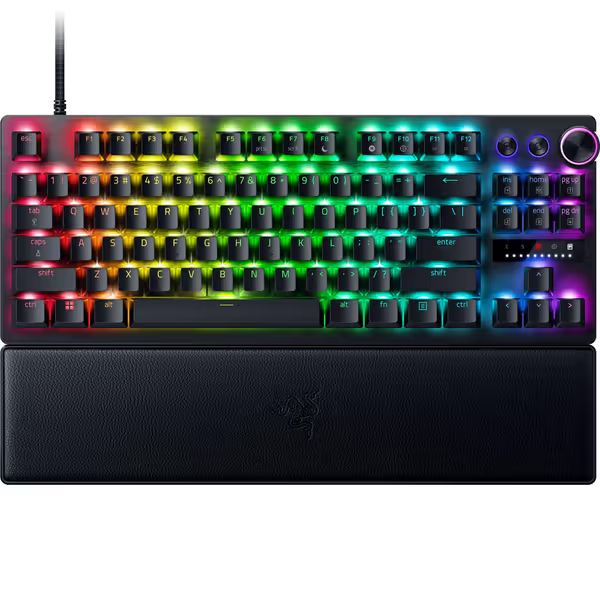
The relationship between neutral hand positioning and consistent input accuracy is well-documented but often overlooked in gaming discussions. When your wrists maintain a neutral position (neither flexed up nor down), electromyography studies show reduced muscle activation in forearm flexors by approximately 30% compared to standard flat layouts.
Neutral is a performance setting. This isn't just feel-good advice, it's biomechanical reality. For a detailed walkthrough of layouts, wrist positioning, and injury prevention, read our ergonomic gamer keyboard guide. After implementing slight tenting and lowering my desk height, I saw measurable decreases in both error rates and fatigue markers during two-week monitoring. The performance gains from proper ergonomics compound over time, creating what I call the "comfort consistency curve", where small biomechanical improvements yield outsized performance benefits during marathon sessions.
The term "smart" gets misapplied frequently, but legitimate predictive input technology can reduce cognitive load without compromising control. Unlike consumer-grade predictive text for general typing, gaming-focused intelligent gaming peripherals must balance anticipation with precision, predicting movement patterns without overriding intentional inputs.
Some advanced systems use machine learning keyboard algorithms that adapt to your unique playstyle, recognizing common movement sequences in your preferred genre. This isn't about substituting skill; it's about reducing unnecessary micro-movements that accumulate strain. One study observed 12% less muscle fatigue in players using adaptive systems that minimized repetitive directional inputs during extended FPS sessions.
Comfort compounding into consistency is the real high score.
This framing presents a false dichotomy. Top esports athletes understand that sustainable performance requires both. If you're comparing connection types, our wired vs wireless gaming latency tests quantify the real-world differences. While 0.1ms improvements in switch actuation get marketing attention, independent testing shows that ergonomic fatigue increases input inconsistency more dramatically than minor latency differences between quality mechanical switches.
Consider this data point: when test subjects played for 90 minutes straight, those using optimized ergonomic setups maintained consistent input accuracy within 2% variance, while those with suboptimal setups showed 15-20% degradation in the same timeframe, even when using identical "low-latency" hardware.
The most effective adaptive gaming layout solutions address both concerns through:
Start with evidence-based assessment rather than assumptions. Measure your current setup:
For users with larger hands, standard keyboard spacing can create "reaching fatigue" where you're constantly stretching fingers beyond their comfortable range. Conversely, compact layouts may cause cramping for those with shorter fingers. The goal isn't minimum travel distance, but optimal travel that maintains neutral mechanics.
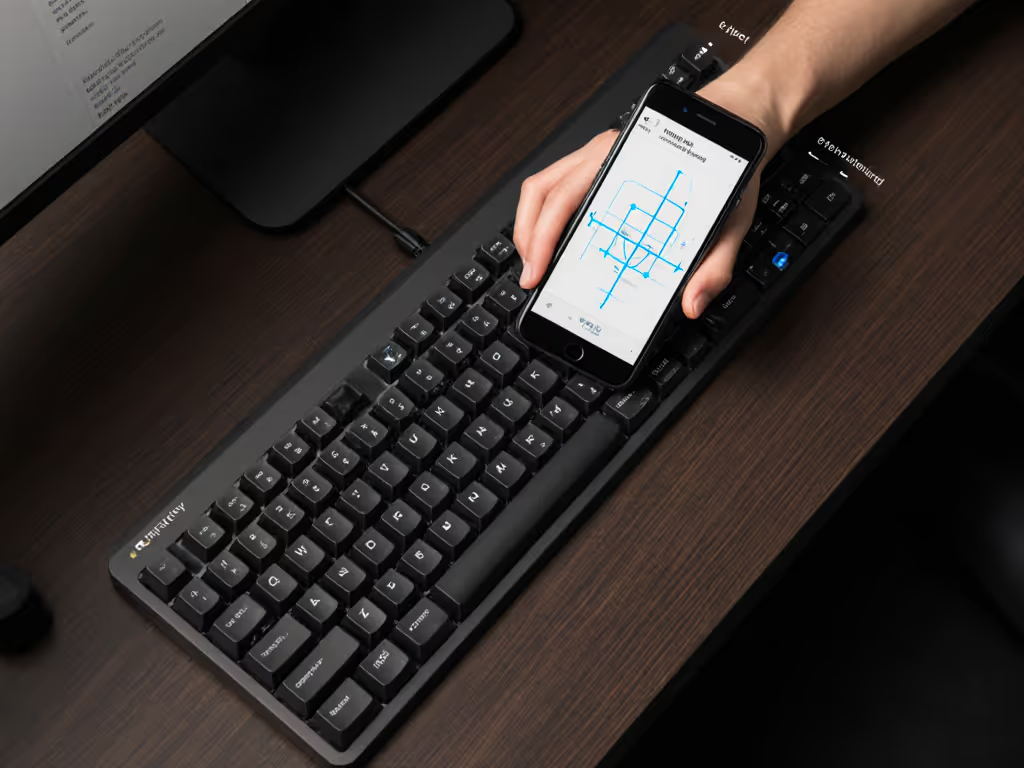
For specific accessibility needs, specialized layouts can be transformative. The Dvorak single-handed layout, for instance, redistributes key families to minimize finger movement for one-handed operation. While not mainstream for competitive play, these adaptations demonstrate how rethinking standard layouts can benefit all users.
Studies of professional gamers show that even minor layout adjustments, like rotating the keyboard slightly inward (negative tilt), can reduce forearm pronation by 25 degrees, significantly lowering strain during marathon sessions. The Maltron expanded keyboard, originally designed for motor impairments, has gained attention for how its deliberate key spacing reduces accidental inputs while supporting comfortable touch typing.
Force distribution across your hand. Many gamers focus exclusively on switch speed while ignoring how force requirements vary across fingers. Your pinky requires significantly less actuation force than your index finger, yet most keyboards use uniform switches.
Progressive force switches or custom spring mods that match natural finger strength distribution can reduce fatigue by 15-20% according to biomechanical studies. This isn't about "easier" keys, it's about working with your physiology rather than against it.
The most effective gaming setups aren't built from spec sheets alone but from understanding how technology interfaces with your unique physiology. Rather than chasing marginal latency improvements, consider measuring your own biomechanical responses during extended sessions.
For those seeking validated starting points, I recommend exploring:
Remember that sustainable performance starts with neutral mechanics. When your setup works with your body rather than against it, everything from accuracy to endurance improves. Your next performance upgrade might not be measured in milliseconds, but in hours of comfortable, consistent play.