Keyboard Mounting Comparison: Stands, Trays, and Angles
28th Apr•9 min read
Wrist pain doesn't announce itself mid-tournament. It creeps in during the third hour of a scrim, during a ranked ladder session, or halfway through a design deadline. By then, computer keyboard wrist rest solutions feel urgent, not optional. The question isn't whether you need ergonomic support, it's whether a built-in palm support on your board or a separate wrist rest will actually perform when it matters. Ergonomic keyboard reviews often gloss over this choice as cosmetic, but the difference in fatigue management, hand consistency, and long-term comfort is measurable and material. For broader posture and injury prevention basics, see our wrist strain relief guide.
Your wrist doesn't fail dramatically; it fails through accumulated tension. During intense gaming or extended work sessions, your hand naturally seeks support. Without it, your forearm flexors work overtime to maintain position, and your wrist drifts into slight extension or ulnar deviation (positions that feel neutral in the moment but generate real pain over hours).
This isn't theoretical. Studies in occupational ergonomics confirm that unsupported wrist typing increases flexor strain by 15-25% compared to supported positions. Learn how keyboard tilt and angle affect wrist extension and comfort. When you're grinding scrims or pushing ranked climbs, that marginal fatigue compounds into loss of precision. Your aim drifts. Your typing speed tanks. Your hand starts to ache before your mental focus does.
The stakes are highest for wrist rest performance impact in scenarios where:
When the timer beeps, gear should feel invisible, and that includes your wrist position.
The market presents two camps with equal confidence:
Built-in advocates argue for integration: one purchase, no desk clutter, integrated design language, and theoretical stability. Separate wrist rest advocates counter with modularity: swap rests, match your actual hand size, adjust height independently, and upgrade without buying a new board.
Both sound reasonable. Both leave critical details unstated.
The hidden variables are fit precision, height consistency, and material resilience under sustained pressure. A board with a molded wrist rest locks you into one geometry. If that geometry doesn't match your hand (your forearm length, palm depth, or the angle your wrist naturally assumes), the support becomes counterproductive. You're fighting against it, not resting on it. Conversely, a separate rest you didn't test before purchase can slide, compress unevenly, or provide height that's misaligned with your keyboard angle.
These aren't minor comfort tweaks. They're the difference between support that stabilizes your hand and support that becomes another source of micro-adjustments throughout a session. Each small repositioning pulls focus. Each focus loss adds fatigue. Over time, that's the margin between a tuned setup and one that holds you back.
A built-in palm support is designed alongside the board, often as molded plastic, textured urethane, or fused foam. If you prefer integrated solutions, explore our built-in wrist rest keyboards. The advantages are real:
But the tradeoffs are equally real:
Real-world scenario: You buy a board with integrated wrist support that feels great for a two-hour trial in a store. At home, during your first eight-hour session, you notice the rest's height forces your wrist into slight extension. The support is there, but it's fighting your natural hand position. You can't adjust it without modding. Most users at this point either live with the suboptimal angle or accept that the wrist rest provides minimal benefit.
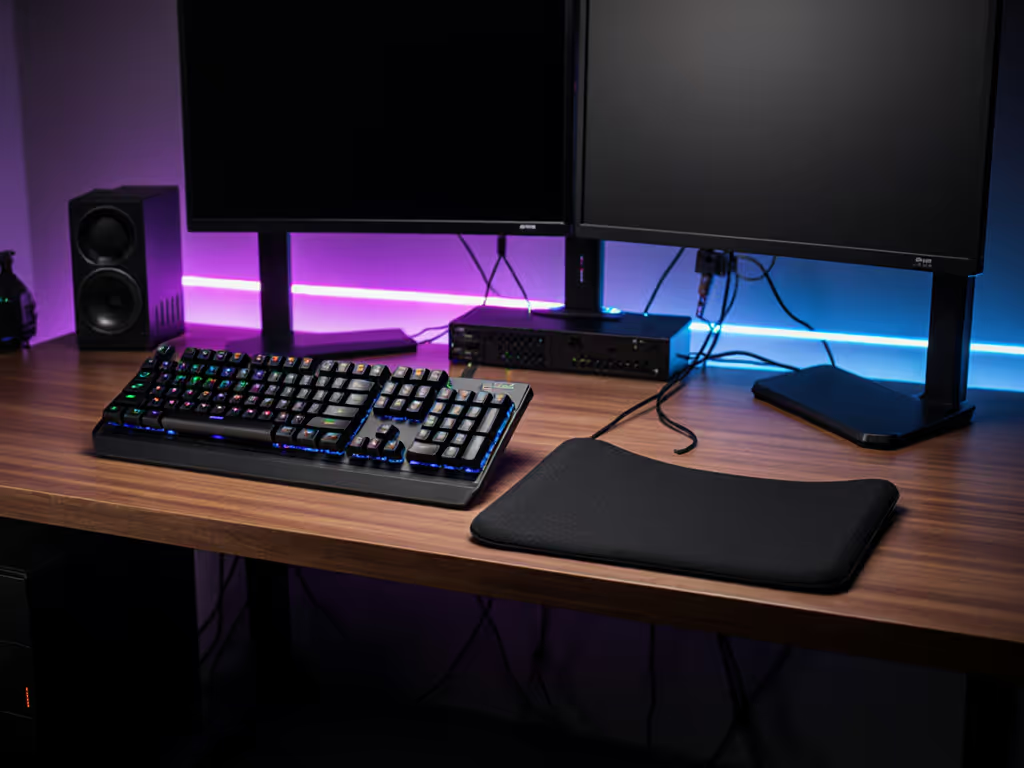
A separate wrist rest efficiency model decouples hand support from the board itself. You select height, material, and profile independently, then pair them based on your actual setup.
The advantages:
The tradeoffs:
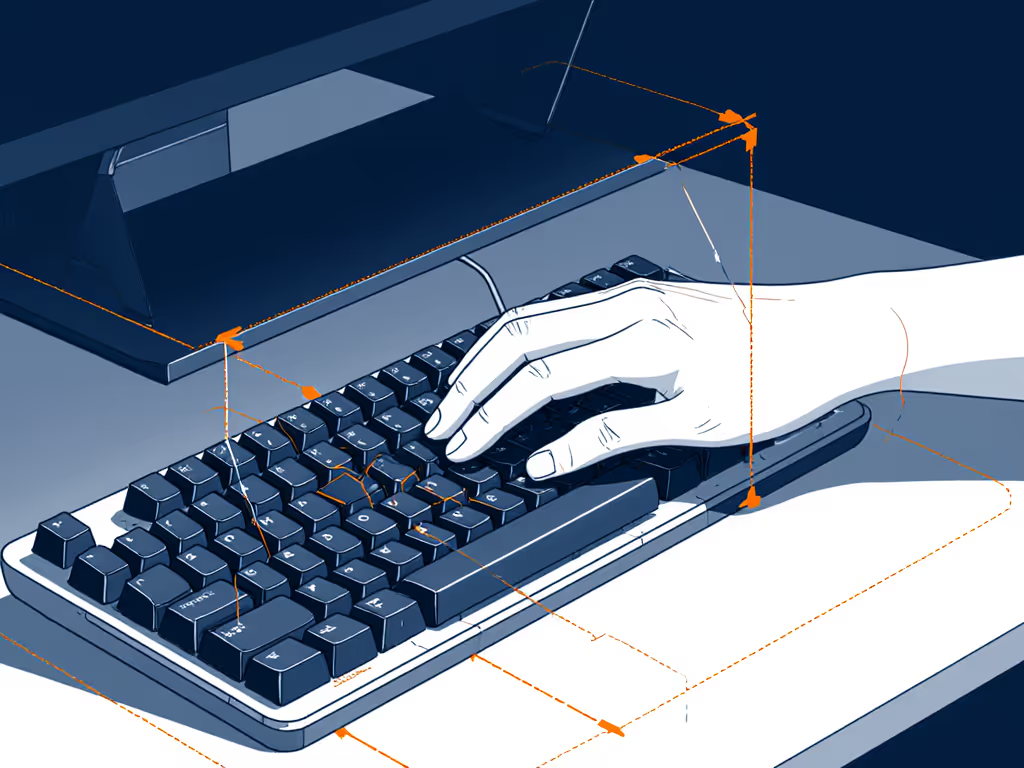
Real-world scenario: You're a developer typing 6-8 hours daily and gaming 2-3 hours nightly. With a separate rest, you test three heights over two weeks. You discover that your optimal setup is a 15mm rest paired with a 3-degree negative keyboard tilt. For affordable hardware to dial in angles, see our adjustable keyboard stands. You nail it. Six months later, the rest starts to compress. You order a replacement for $20 instead of considering a new board. Consistency is comfort under stress, and consistency means being able to replicate your tuned setup reliably.
Built-in rests often distribute load over a narrow area (typically 4-6 inches of surface contact). Separate rests, if chosen well, can extend contact across 6-10 inches, reducing peak pressure by 20-30%. Over multi-hour sessions, this difference compounds into noticeably lower forearm tension.
Built-in solutions score zero on post-purchase adjustability. Separate rests allow height, angle, and material tuning. If your desk setup changes (new monitor arm, different chair), a separate rest adapts; a built-in one doesn't.
Built-in rests are permanent until the board fails. If compression occurs, you absorb it or mod the board. Separate rests wear but are cheap to replace. Over five years, a modular approach often costs less in total ergonomic investment, especially if you're swapping boards.
Carrying a board to a LAN event or switching between home and office? A separate rest lets you maintain hand consistency across environments. Built-in rests tie you to that specific board.
Don't rely on spec sheets or marketing photography. Use this repeatable drill:
Built-in wrist rests win on convenience and design cohesion but lose on precision and flexibility.
Separate wrist rests win on adjustability and long-term value but require more intentional setup and maintenance.
For most users in the 16-35 demographic, students, early-career professionals, and competitive gamers juggling multiple environments, separate rests deliver better outcomes. The extra setup is minimal, the cost is lower over time, and the ability to tune your support to your actual hand and desk geometry is worth the modularity trade-off. You're not sacrificing performance for choice; you're gaining precision through choice.
If you're building a keyboard from scratch, allocate 30 minutes to selecting a quality separate rest that matches your board's height and your desk's angle. Test it during a focused work or gaming session. If it feels neutral, if it's simply there, supporting your hand without demanding attention, you've matched your setup correctly. That invisibility is the goal.
Consistency is comfort under stress, and the right wrist rest (chosen with care and tested under load) is one less variable pulling your focus away from the work or the game.