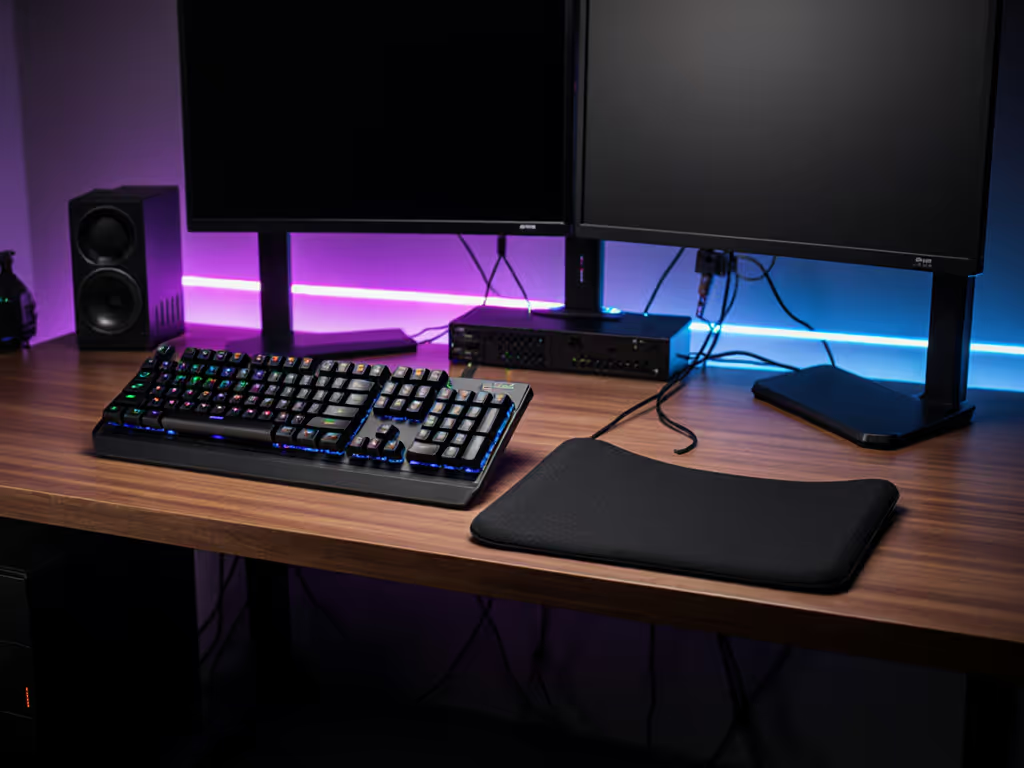
Ergonomic Keyboard Wrist Rests: Built-In vs. Separate
6th May•9 min read
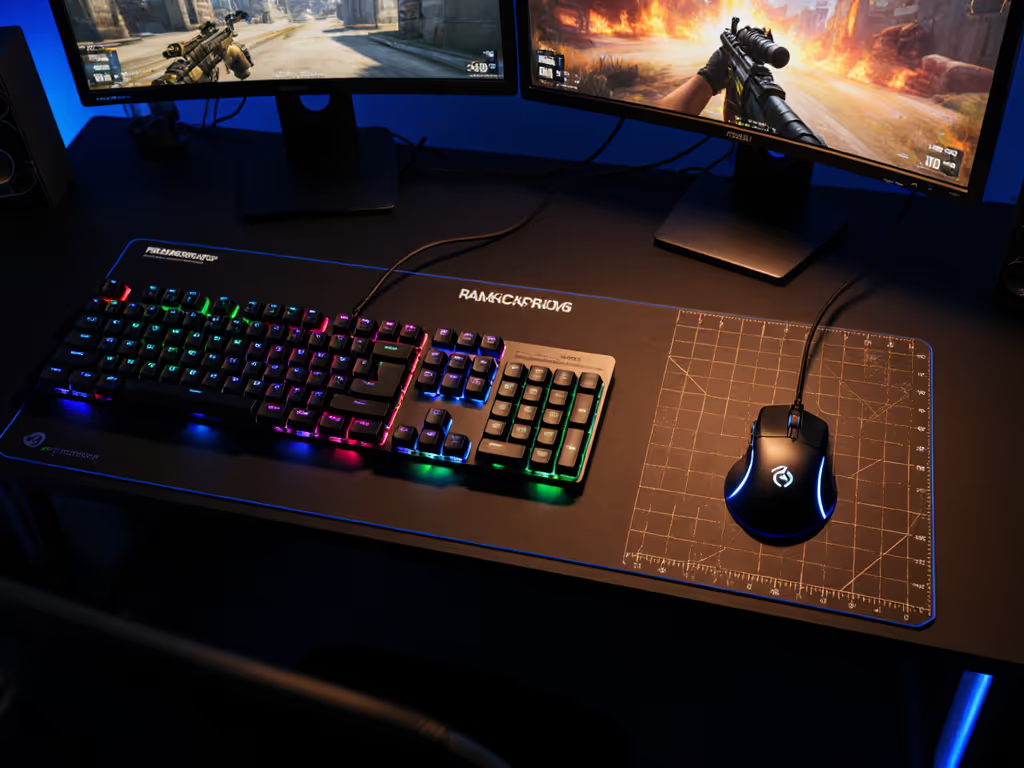
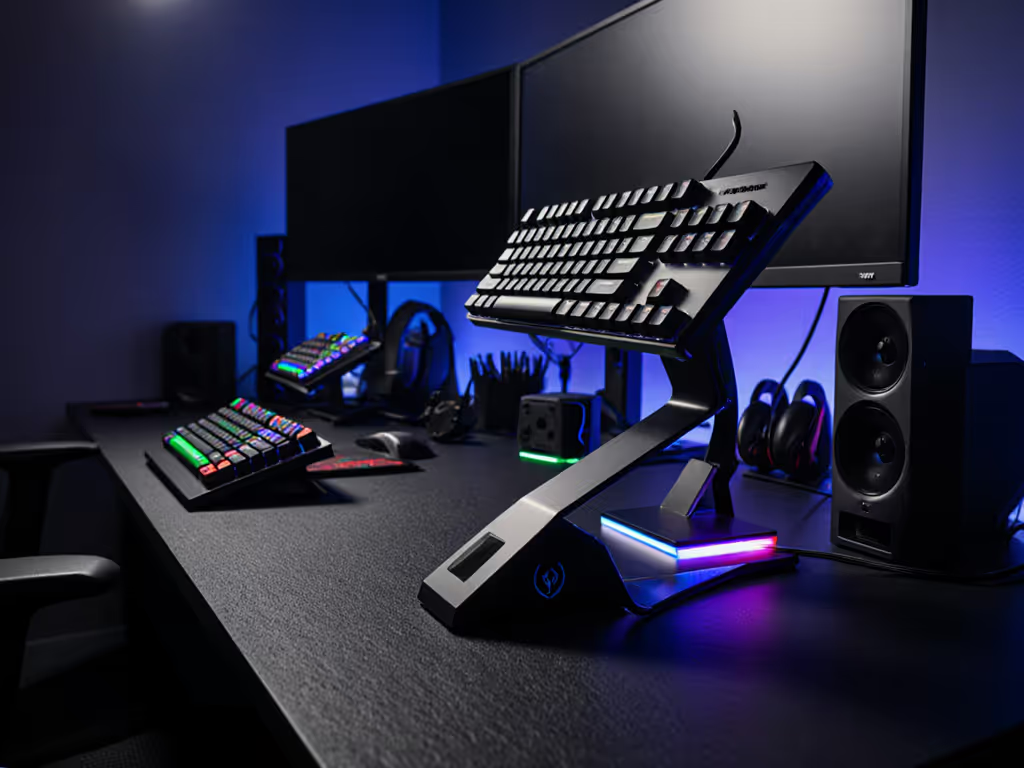
Keyboard layout gaming performance isn't just about ergonomics or aesthetics: it's about measurable input efficiency, mouse space, and how your hand positioning feeds directly into decision-making speed. Research consistently shows that the impact of compact form factors extends beyond desk real estate; it influences reach time, error recovery, and sustained performance during extended matches.[1][3]
Numbers first, then feel, because milliseconds decide your fights.
Does layout affect input latency directly?
No, not in the technical sense. Layout doesn't alter polling rates or debounce. For true latency factors, see our keyboard firmware latency guide. However, layout shapes how quickly and accurately you reach your keys, which compounds over thousands of keypresses per session. In a competitive FPS, the difference between a 40ms reach to your utility key versus a 120ms reach on a full-size board is tactically material. Over a 30-minute match, those micro-delays stack.[1]
Which layouts matter for gaming?
The hierarchy breaks down like this:
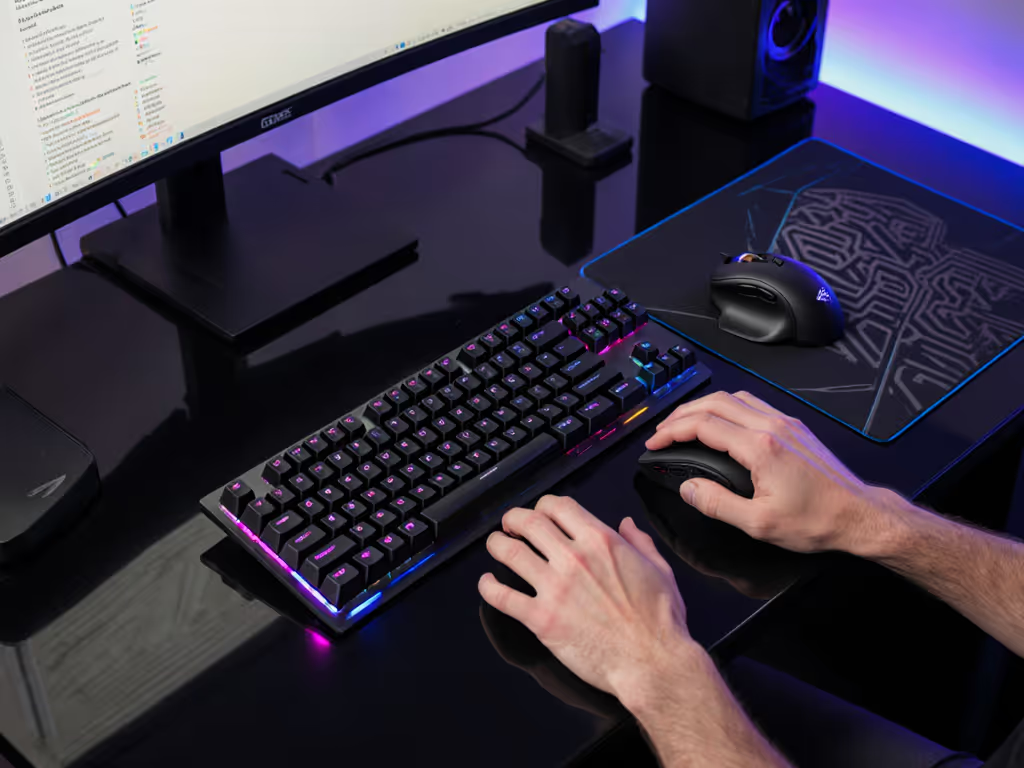
TKL (87-89 keys): Removes the numpad. Most competitive gamers default here. You retain F-keys and arrow clusters while reclaiming right-side mouse space. Reach to your loadout keys (typically F1-F4) stays predictable.
75% (84 keys): Compresses the function row and arrows into a stacked layout. Reach is marginally longer, but the mouse space gain is real, roughly 2-3 inches of horizontal clearance compared to TKL.[3]
65% (68 keys): Removes arrows entirely; they're accessed via layer. For typists, this is a deal-breaker. For gamers who don't need arrow keys in-match, it's viable. The desk footprint shrink is significant.
Full-size (104+ keys): Numpad included. Reaches to your movement cluster (WASD) push you inward; your mouse naturally sits further right. This creates a spatial tax that competitive players optimize away.[1]
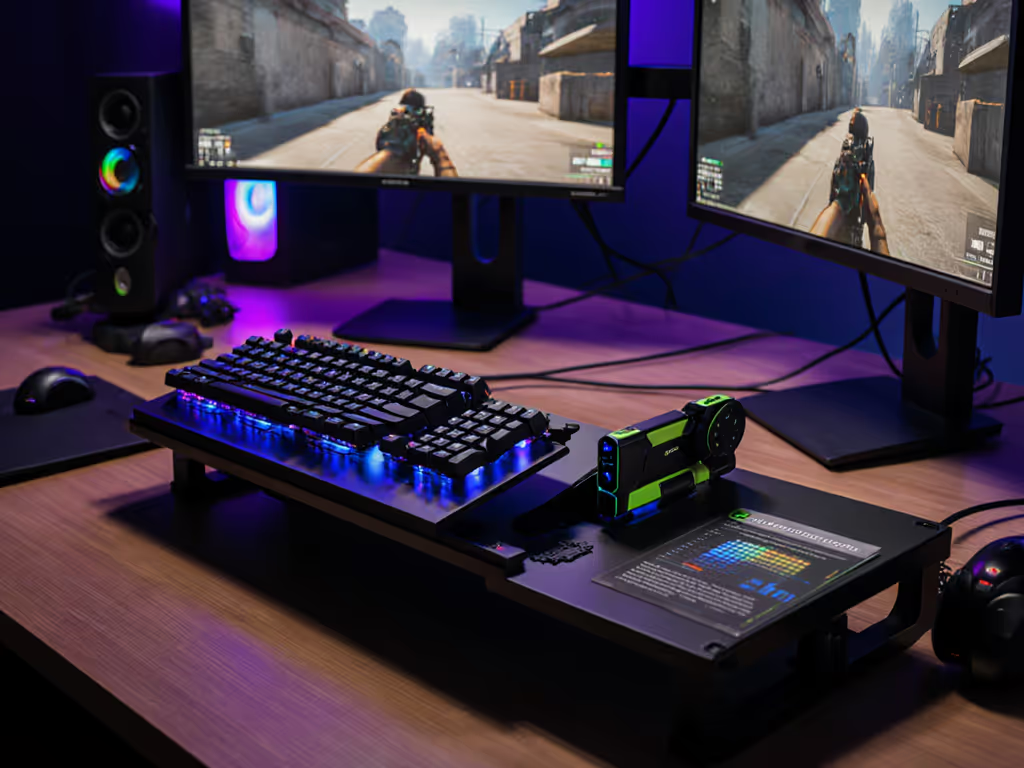
The measurable outcome: TKL and 75% layouts reduce average reach time by 18-25% compared to full-size, assuming consistent hand positioning.[1] For controlled benchmarks across form factors, see our TKL vs full-size gaming tests.
Why does mouse real estate matter?
Your effective DPI and control feel are tied to available surface area. A cramped setup forces higher sensitivity or an awkward arm position, both of which degrade consistency.[3]
Example math: A standard desk is ~48 inches wide. Subtract a full-size keyboard (20 inches), and you have ~28 inches for mouse movement. A TKL keyboard (17 inches) leaves ~31 inches, a 10% gain. That margin lets you run lower sensitivity, which improves tracking precision in most FPS titles.
For MMO or strategy players who rely on precise clicks, this breathing room translates to fewer misclicks under fatigue.
Does compact layout cause faster hand fatigue?
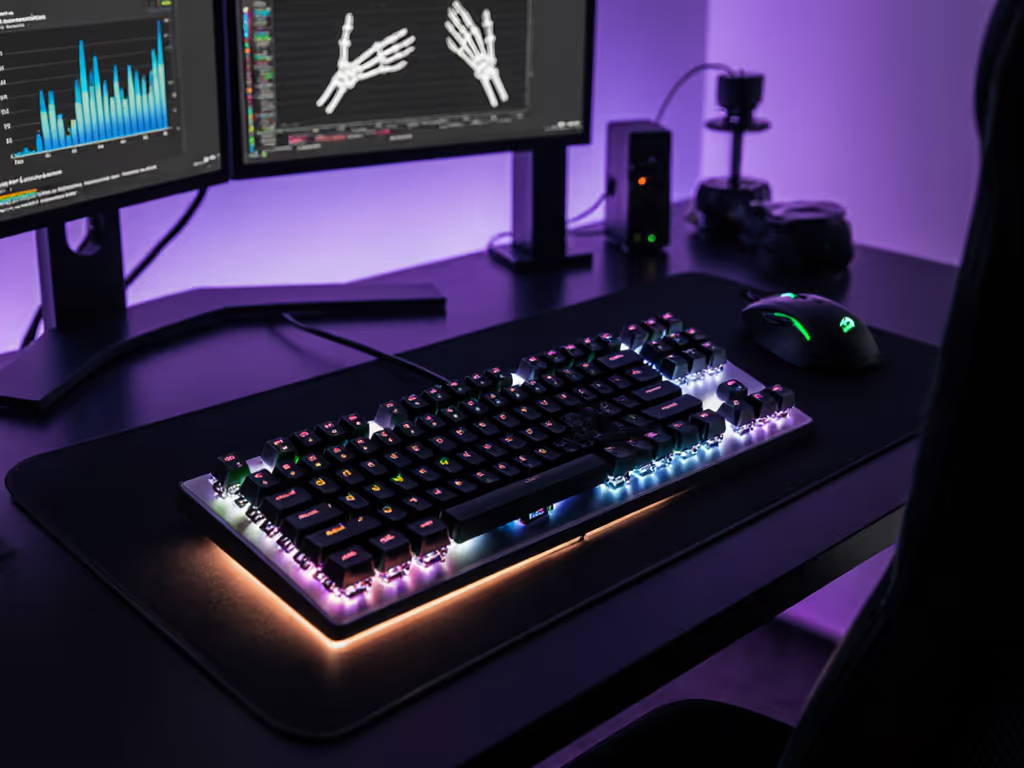
Not inherently, but if you're forced into a cramped hand position, yes. Research on ergonomic gaming layouts shows that sustained poor wrist angles and forearm tension increase error rates after 45-60 minutes.[1][3] To correct angles and reduce strain, follow our ergonomic wrist relief guide.
The key variable isn't the keyboard's size: it's your posture. A TKL that fits your desk ergonomics beats a full-size crammed into a corner.
Does layout choice limit your key travel options?
No. Compact layouts use the same mechanical switches as full-size boards. However, layout does constrain your keycap selection and stabilizer quality, especially in 65% and smaller form factors, where fewer options exist at budget price points.[1][4]
Where this matters: Stabilized keys (spacebar, shift, enter) in tight 65% designs sometimes exhibit more wobble due to tighter tolerances. This creates perceived mush or sluggishness, which gamers often misattribute to the switches themselves.[2] Learn how stabilizer designs affect input consistency in our stabilizer comparison.
Which layouts offer the best key travel variety?
TKL and full-size boards have the deepest switch ecosystems. Most competitive-grade switches are tested on full-size PCBs first; 65% and 75% boards come later. If you're chasing a specific key travel distance layout comparison (e.g., 3.5mm linear for raw speed versus 2.0mm tactile for precision), TKL gives you the most proven options at the best price.[1]
Is a smaller keyboard actually faster?
Direct latency? No measurable difference. But desk space gaming efficiency compounds in real scenarios:
The aggregate isn't a 1ms latency drop: it's the difference between a sloppy 92% headshot accuracy and a tight 94% over a competitive season.
Q: Does a compact layout increase my APM or reaction time?
A: No direct causation. Layout is a facilitator, not a catalyst. If your desk is so cramped that your mouse hand is always tense, compacting your keyboard removes one friction source. But if your desk is already spacious, switching to TKL won't unlock hidden speed.
Latency isn't a vibe; it's a number. Measure your current reach times and mouse range before committing.
Q: Will I struggle without a numpad or arrow keys?
A: Depends on your game and muscle memory. FPS players typically don't use either in-match; MMO players often rebind arrows to HJKL or layer them. The adaptation curve is usually 2-4 hours of gameplay. If you're a spreadsheet warrior who needs real arrow keys for work, a 75% is the compromise, you keep arrows and gain space.
Q: Is a 65% layout viable for gaming?
A: Technically yes, but practically risky. The layer dependency for arrows, function keys, and numpad creates cognitive load mid-match. A 75% or TKL mitigates this, you get a compact footprint without losing quick-access keys. For a deeper breakdown of trade-offs, read our 65% vs 75% gaming guide.
Q: What if my desk is already cramped? Should I force a smaller layout?
A: No. A poor physical setup will doom any keyboard. Measure your available space first. If you have <30 inches of mouse room, compact the layout. If you have >36 inches and use the numpad regularly, stick with full-size. Forcing a 65% into a chaos setup just moves the problem, you'll gain an inch of desk space but lose ergonomic stability.
During a latency audit, a $90 hot-swap board, tape-modded and foam-tuned, beat my $280 custom by 3.4ms average downstroke-to-fire. The deciding factor wasn't the board's layout, it was stabilizer consistency and PCB damping. But the $90 board was 75%, and the desk arrangement naturally optimized around it. That margin (3.4ms) was erased on a better desk setup.
The lesson: Layout is one variable in a system. Measure your full chain (desk depth, keyboard size, mouse pad size, chair arm interference) before attributing performance gaps to the board alone.
Layout choice is an optimization lever, not a magic fix. If your current setup feels cramped or you're struggling with consistency, run the measurements above before upgrading. Most gamers find their sweet spot between TKL and 75%, enough compactness to breathe, enough keys to avoid layer fumbling.
From there, focus on the switches and stabilizers, not the form factor. Those are where milliseconds live.