Keyboard PCB Layout Engineering For Low-Latency Play
17th May•10 min read
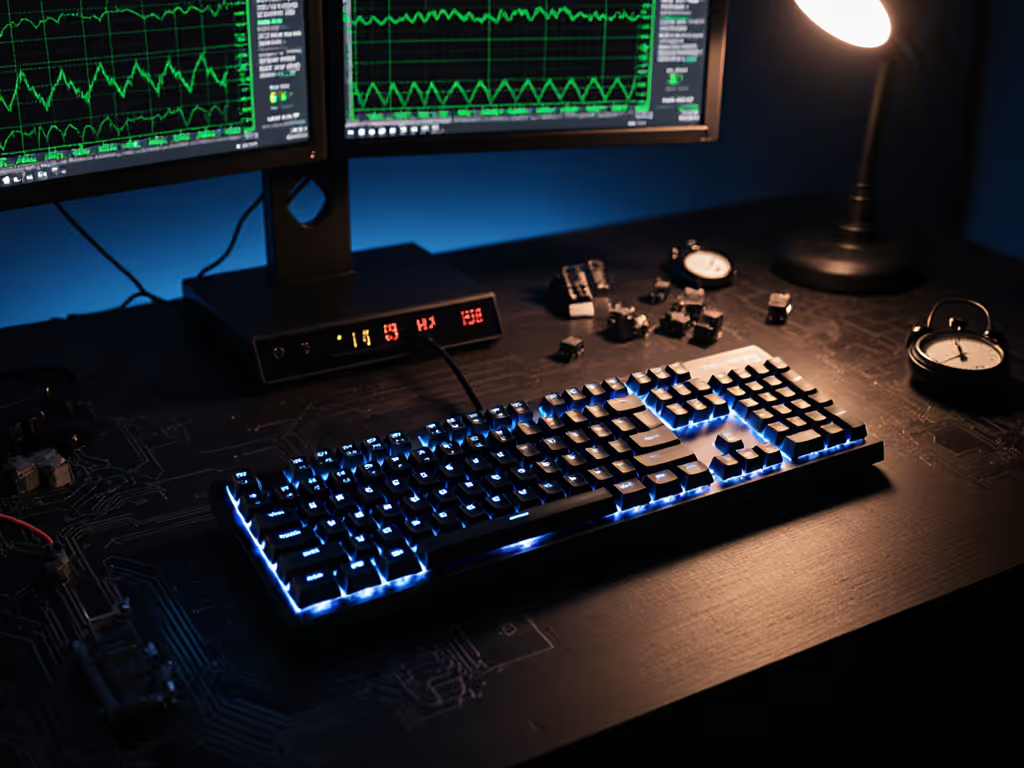
The portable gaming keyboard conversation usually starts with compromise: you trade desk real estate for mobility, but what does that actually cost in performance? If you're hunting for the best gaming keyboard pc that doesn't chain you to one spot, the answer depends less on brand hype and more on what actually moves your input latency and sustains your gameplay under real conditions. Let me cut through the marketing noise and show you where the measurable wins live.
Portability is worthless if your input lags behind your aim. The critical variable isn't keyboard size; it's wireless connectivity mode and polling rate stability. A 60% wireless keyboard running 2.4 GHz at 1000 Hz polling can match or beat a full-size wired board running USB 2.0 with sloppy debounce tuning. The Asus ROG Strix Scope II 96 Wireless delivers 1,500 hours of battery life over 2.4 GHz wireless with the lighting off, and that wireless mode is rock solid for competitive play. By contrast, Bluetooth offers convenience at a latency cost, typically 8-15 ms additional delay compared to 2.4 GHz dongle mode, which matters in FPS titles where sub-5 ms deltas stack fast.
Here's the plain truth: pay for deltas, not decals. If you're shopping portable, prioritize keyboards with tri-mode or dual wireless options (2.4 GHz + Bluetooth). You'll switch contexts: dorm sessions demand Bluetooth silence, LAN events need wired stability, travel relies on Bluetooth to your phone, but the ability to flip modes keeps your latency floor stable.
Size reduction is the core move for portability, but not all compressions are equal. A 65% layout drops the function row and numpad but preserves arrow clusters, workable for gaming and coding. A 60% strips arrows too, forcing layer-stack customization that eats mental bandwidth mid-match. A 75% (like the Keychron V6 Max) squeezes a full-size's key count into a narrower footprint while keeping dedicated media controls and macro keys intact. If you're unsure which size fits your playstyle, see our keyboard layout guide (60%, 65%, 75%, TKL, full-size).
The Keychron V6 Max earns its reputation not for portability theater but for versatile connection options and measurable build quality. It ships with 2.4 GHz and Bluetooth support, hot-swappable switches, and a gasket mount design that delivers a 5/5 typing feel score alongside 5/5 comfort, a rare pairing in the mid-range. For someone hauling a keyboard between dorm and coffee shop, the V6 Max's full-sized layout means zero key remapping; your muscle memory stays intact. The portability upside comes from weight and desk footprint, not from feature loss.
Contrast that with ultra-compact 60% boards. They weigh less and fit any bag, but if you rely on arrow keys or number pad access, you're buying layer complexity that introduces input delay during gameplay: you pause, hold function, hit a modified key. That friction costs real time in fast games. The latency tax isn't hardware; it's user error under pressure.
Portability means your keyboard moves, gets jostled, charged at odd times, and sometimes forgotten powered off mid-session. Battery life is practical insurance, not a spec sheet flex. The Asus ROG Falchion RX Low Profile achieves up to 200 hours of wireless battery life, versus the Keychron GMMK 3 Pro HE's 24 hours on 2.4 GHz. That's an 8x difference, but context matters.
If you game three hours daily, 24 hours = three days between charges. That's livable if your charger lives on your desk; it's a pain if you're traveling. 200 hours = roughly two months, which removes the variable entirely. For portable play, longer battery life reduces the risk of mid-session dropouts caused by low-power mode throttling. I've watched wireless keyboard latency spike 20-30 ms when battery dips below 10% (the firmware cuts polling rate to preserve charge). That's a real delta you can test and measure.
Debounce tuning in keyboard firmware is equally critical and invisible to spec-sheet readers. Wireless keyboards often tune debounce higher (8-12 ms) to tolerate RF jitter; wired boards can run tighter (1-3 ms) because the signal path is clean. The Asus ROG Strix Scope II 96 Wireless compensates with high polling rate (1000 Hz) and solid firmware, keeping end-to-end latency competitive with wired mid-range boards.
Independent testing confirms that portable wireless boards can hold their own. The NuPhy Field75HE lands on recommendation lists for best price-to-performance gaming keyboard with Hall effect switches that allow adjustable actuation distance, a feature usually locked behind $200+ price tags. It's a 75% wireless board that delivers measurable latency parity with premium full-size wired boards, and it costs a fraction as much. The performance delta comes from efficient firmware and proven wireless module design, not from hidden engineering; the parts list is public, mod-friendly, and easily repaired.
The Keychron K2 (version 2) pushes this further. It's classified as a budget pc gaming keyboard, yet its 240-hour battery life and typing feel remain competitive with boards double the price. If you're traveling and need a stable, refund-friendly entry point into portable gaming, the K2 proves that portability doesn't mandate premium spend.
Travel keyboards introduce hidden fatigue because they're often thinner, lighter, and positioned awkwardly, your wrists sit at different angles without a proper desk setup. Low-profile switches (like the Asus ROG Falchion RX's smooth switches and soft-touch keycaps) reduce travel distance, which sounds good until you realize that shorter key travel = less tactile feedback = more finger fatigue if you're hunting and pecking mid-match. High-profile mechanical switches give more feedback per keystroke; your fingers work less hard to confirm input. For wrist and posture tips that reduce fatigue on the road, read our ergonomic gaming keyboard guide.
The Razer Joro optimizes for ultra-portability, it's thinner, lighter, and purpose-built for handheld gaming rigs. The trade-off is a lighter typing experience overall, which is tolerable for short bursts (30-60 minutes) but draining for marathon sessions. If you're traveling to a LAN event, the Joro makes sense: pack it, use it for 6 hours, move on. If you're commuting and gaming on the train for two hours before class, a 75% with full-height switches and proper cushioning will keep your hands fresher.
The real gain is matching portability to your actual usage pattern, not assuming lighter is always better.
I've seen the trap: buyers assume portable = premium tax. A smaller board must cost more because of engineering, right? Wrong. A 65% using standard Gateron switches and a plastic case costs less to produce than a full-size aluminum monster. The Keychron V6 Max lands under the price of many full-size boards despite superior features (gasket mount, multiple wireless modes, hot-swappable). The Lemokey P1 Pro brings custom keyboard build quality (double-gasket design, tuned acoustics, pre-assembled stabilizers) down to affordable levels. Both outperform stock $80 gaming boards in latency, feel, and durability.
The hidden ROI: a portable board you actually carry and use beats a desk-bound premium board gathering dust. If portability removes friction, you gain hours of practice time. I've watched budget rigs with sensible linears and light lubing outpace overpriced flexy customs at weekend LANs, not because the expensive board was slow, but because the tuned cheap rig was consistent and the owner had invested time modding, testing, and learning it inside out. Friends asked for the parts list; the real win was the time and discipline, not the $100 spend.
Best Overall Portable: The Asus ROG Strix Scope II 96 Wireless balances 1,500 hours battery life, tri-mode wireless, hot-swappable switches, and lubed stabilizers. It's a 96% layout (nearly full-size key count in a compact frame), so zero productivity loss. Latency is solid, build quality is transparent, and the price-to-performance is clear. Real gain: full-featured gaming without the desk footprint.
Best Budget Portable: The Keychron V6 Max ships with gasket mounting, dual wireless (2.4 GHz + Bluetooth), and a typing feel that rivals boards $100+ more expensive. It's a full-size that somehow fits compact builds. Real gain: entry-level buyer gets pro-level tuning without modding risk.
Best Ultra-Portable: The Razer Joro wins if you're packing for a handheld PC or ultra-mobile setup: slimmest profile, lowest weight, acceptable gaming feel for short sessions. Real gain: maximum portability without sacrificing compatibility or control.
Best Value for Travel + Local Play: The NuPhy Field75HE brings Hall effect switches and adjustable actuation down to mid-range pricing, with wireless stability that matches wired boards. Real gain: flagship features at second-tier price.
Smarter spending beats bigger spending. A portable keyboard that you'll actually use, tune, and grow with beats a boutique full-size that stays at home because it's too heavy to move. Measure latency, not aesthetics. Test battery drain under load (RGB off, polling at 1000 Hz, sustained FPS play). Track debounce and wireless mode switching in your own hand. Then decide if the $80 compact board meets your precision needs or if the $180 premium board's extra margin of stability justifies the investment.
Portability shouldn't mean compromise: it means choice. The keyboards that win aren't the flashiest; they're the ones where every delta (latency, battery life, ergonomic fit, layout familiarity) maps to real gameplay or comfort gains. That's where ROI lives, and that's the only metric that matters.