Keyboard PCB Layout Engineering For Low-Latency Play
17th May•10 min read
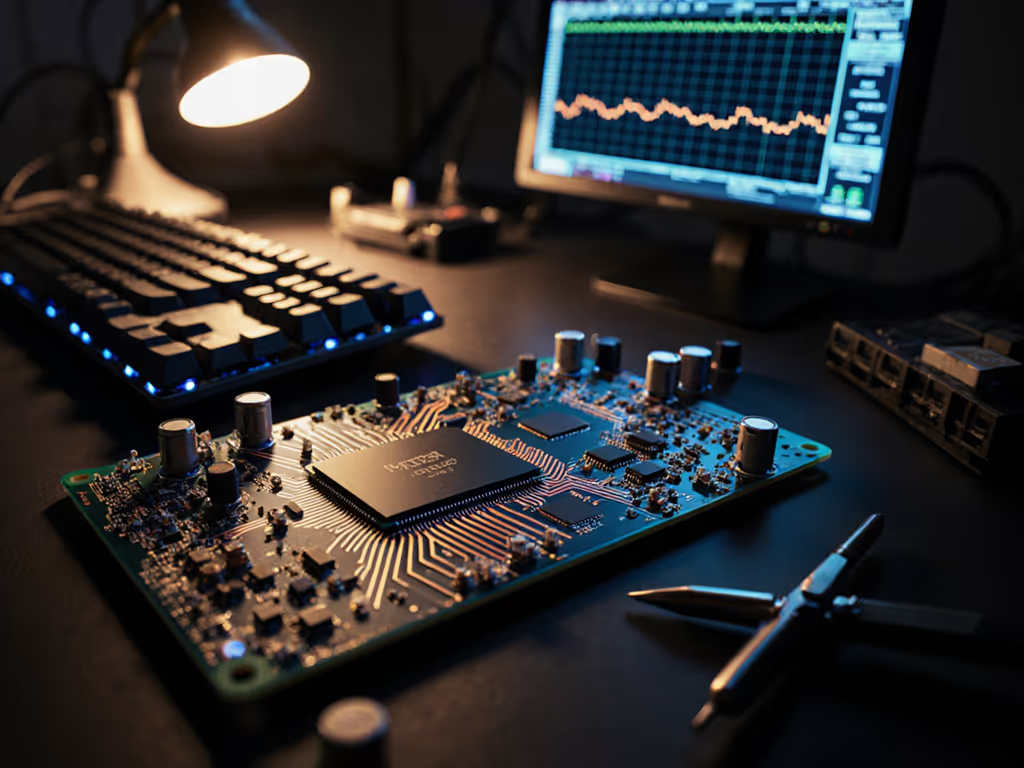
The keyboard controller chip (microcontroller, or MCU) is the true bottleneck in gaming keyboard latency (not the switch, not the stabilizers, not the keycaps). Yet marketing budgets persist in selling you the feel of a switch while hiding the firmware inside. This guide cuts through that noise with metrics and transparent testing methodology.
Your keyboard's controller is its brain. It's the microprocessor (typically an ARM Cortex-M series chip like the Nordic nRF52840) that continuously scans the key matrix, detects when you've actuated a switch, debounces the signal, and sends that input to your PC. A switch determines when the circuit closes; the controller determines how quickly and accurately that event reaches your game.
For competitive gamers, this is where milliseconds live. Latency isn't a vibe; it's a number, and that number is shaped far more by firmware efficiency than by raw processor speed.
Short answer: No. This is the first myth to demolish.
A common misconception in enthusiast communities is that a keyboard running at 216 MHz will always be faster than one at 64 MHz. In reality, firmware optimization and interrupt handling dominate the outcome. A well-tuned scan loop on a modest MCU will outperform poorly coded firmware on a flagship processor. If the firmware is bloated with inefficient "if-then" logic or oversized RGB routines, the scan interval increases, introducing jitter and unpredictability. Testing data confirms that poorly optimized firmware can inject 2 to 3 ms of jitter regardless of the hardware's theoretical ceiling.
What matters: the efficiency of the Interrupt Service Routine (ISR) and the scan loop design itself. This is why you need transparent, measured latency figures, not marketing specs.
When you press a mechanical switch, the contacts don't close cleanly. They bounce, making and breaking contact dozens of times over microseconds. Without debouncing, the controller would register multiple keypresses from a single physical press. To prevent this, the firmware waits before accepting a new input as "valid." This wait is the debounce delay.
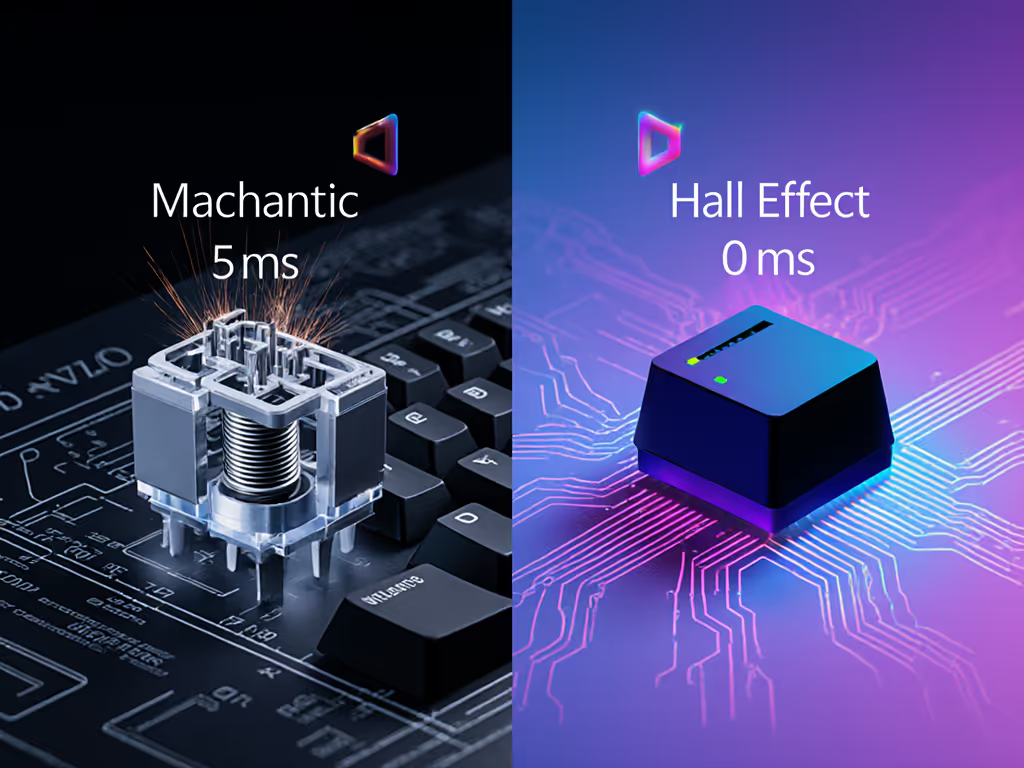
Standard mechanical switches with contact-based actuation require roughly 5 ms of debounce to reliably filter noise. That's 5 milliseconds of latency you're paying just to avoid ghosting. It's a hard floor.
Hall Effect sensors (contactless, magnetic actuation) eliminate the bounce entirely (zero debounce delay needed). This alone can remove 5 ms from your input pipeline. Combined with optimized firmware, the total latency advantage in a Hall Effect system versus a standard mechanical setup can reach ~8 ms, measured across processing, debounce, and ADC conversion.
For rhythm games like osu! where timing windows are tight, this is perceptible and consequential. For FPS, consistency matters more than raw speed, but the reduction still helps.
Polling rate is how often the controller reports key states to your PC, measured in Hz (times per second).
Standard polling: 1000 Hz. The controller scans every 1 millisecond. This was the gaming baseline for years.
High polling: 4000 Hz or 8000 Hz. The controller reports every 0.25 ms or 0.125 ms. Vendors market this as "4x faster" or "8x faster." Reality is murkier.
At 8000 Hz on a wireless keyboard, battery life plummets, roughly 75% reduction compared to 1 kHz. On wired boards, the CPU load becomes relevant: at extreme polling rates, Windows scheduling can introduce frame-time spikes that are more detrimental to aiming than the 0.75 ms latency difference between 1 kHz and 8 kHz.
Scenario testing shows:
Again: measure your own setup. Higher numbers aren't automatically better.
Rapid Trigger is a firmware feature exclusive to Hall Effect controllers. Instead of waiting for a full keypress and release to register an input, the controller allows you to re-actuate a key at a custom threshold on the way down, without releasing past the original actuation point. For a deeper look at how reset thresholds work in practice, see our Rapid Trigger guide.
Example: You set actuation to 0.5 mm and Rapid Trigger reset to 0.2 mm. Press down, trigger registered. Move down another 0.3 mm without fully releasing, and a new keystroke is registered. This allows sub-release taps and rapid, overlapping inputs ideal for high-APM games.
Practical impact: For competitive FPS, a high actuation point (0.2 mm) paired with Rapid Trigger set to 0.2 mm reset gives you the speed of a light touch without the accidental registrations from resting fingers. In rhythm games, the cumulative effect of reduced latency plus Rapid Trigger flexibility can be the difference between "Perfect" and "Great" scores.
Trade-off: Setting thresholds too aggressively can cause false positives, especially during intense sequences or high finger fatigue. Transparent testing of your firmware on your hardware is essential. Vendor defaults are often conservative.
Firmware quality separates boards that feel snappy from boards that feel sluggish, even when hardware specs are similar.
A well-designed firmware:
Poorly designed firmware:
This is where hands-on testing and community benchmarks matter. A $90 board with lean firmware can beat a $280 custom board with bloated RGB management. I've seen it repeatedly. The difference isn't the switches or the case; it's what the MCU is actually doing when you press a key.
Numbers first, then feel, because milliseconds decide your fights. For firmware-level tuning strategies, see our firmware latency guide.
Wired eliminates one variable: USB latency is negligible and consistent. See our wired vs wireless latency tests for measured differences across real games. A wired keyboard with optimized firmware and standard polling (1000 Hz) will deliver stable, predictable input.
Wireless introduces complexity:
Battery management also matters. At 8000 Hz wireless polling, you're recharging every few sessions. At 1000 Hz, you get days or weeks.
For competitive gaming, wired is the pragmatic choice. For hybrid work and gaming, wireless at 1000 to 4000 Hz strikes a balance. Test your own latency variance under load.
When evaluating a keyboard controller's impact on gaming performance, demand these numbers:
If the vendor doesn't publish these, ask. If they deflect to "premium feel" or "gaming-grade," move on.
Measuring your keyboard's performance requires a latency harness (many communities maintain open-source tools) and gaming-specific benchmarks. Start by comparing your current setup's latency baseline under different polling rates and games. You might find you already have what you need, or you might identify a real bottleneck worth addressing.
Firmware updates are free and worth testing. Hardware swaps should be data-driven, not hype-driven. The keyboard that feels fastest is the one you've measured and tuned, not the one with the highest price tag or the most RGB.
What you can measure, you can improve.